Toggle menu
Toggle preferences menu
Toggle personal menu
Administrator Login Only
Access is restricted to site administrators.

olighker:首页目录配置: Difference between revisions

From olighker
m 恢复首页目录中的 Raspberry Pi 分类入口(Expansion Boards、DIY 模块重新上首页)
 
(2 intermediate revisions by the same user not shown)
Line 1: Line 1:
{{#default_form:首页目录}}
== Displays ==
{{首页分类入口|标题=Displays|配置页=Project:首页分类/Displays}}
{{首页模块入口|标题=E-Paper|标签=E-Paper Displays|简介=Explore low-power e-paper modules for labels, dashboards, and always-on information displays.|配置页=Project:首页模块/并口}}
{{首页分类入口|标题=Arduino|配置页=Project:首页分类/Arduino}}
{{首页模块入口|标题=OLED|标签=OLED Displays|简介=Browse compact OLED modules designed for clear graphics, status panels, and embedded user interfaces.|配置页=Project:首页模块/OLED}}
{{首页分类入口|标题=Raspberry Pi|配置页=Project:首页分类/Raspberry Pi}}
{{首页模块入口|标题=LCD|标签=LCD Displays|简介=Discover LCD solutions for development boards, control panels, prototypes, and interactive projects.|配置页=Project:首页模块/HDMI}}
 
== Arduino ==
{{首页模块入口|标题=ESP8266|标签=Arduino ESP8266|简介=Start with flexible Arduino-compatible controller boards for learning, prototyping, and product development.|配置页=Project:首页模块/开发板}}
{{首页模块入口|标题=ESP32|标签=Arduino ESP32|简介=Extend Arduino projects with display, sensor, communication, and general-purpose expansion boards.|配置页=Project:首页模块/Arduino}}
{{首页模块入口|标题=DIY|标签=Arduino DIY|简介=Build practical Arduino demonstrations covering automation, monitoring, motion, and interactive displays.|配置页=Project:首页模块/SPI}}
 
== Raspberry Pi ==
{{首页模块入口|标题=Main Boards|标签=Raspberry Pi Main Boards|简介=Explore compact Linux-ready computing boards for education, embedded control, and edge applications.|配置页=Project:首页模块/ESP32}}
{{首页模块入口|标题=Expansion Boards|标签=Raspberry Pi Expansion Boards|简介=Add displays, GPIO interfaces, sensors, and connectivity to Raspberry Pi development platforms.|配置页=Project:首页模块/MHS-GPIO}}
{{首页模块入口|标题=DIY|标签=Raspberry Pi DIY|简介=Create Raspberry Pi dashboards, monitoring systems, smart devices, and connected prototypes.|配置页=Project:首页模块/USB副屏}}
 
== Accessories ==
{{首页模块入口|标题=Chargers|标签=Chargers and Power|简介=Find test power adapters and charging accessories for development boards and portable projects.|配置页=Project:首页模块/GettingStarted}}
{{首页模块入口|标题=Cables|标签=Cables and Adapters|简介=Choose test cables and adapters for power, data, display, and GPIO connections.|配置页=Project:首页模块/RGB}}

Latest revision as of 20:57, 31 July 2026


Displays


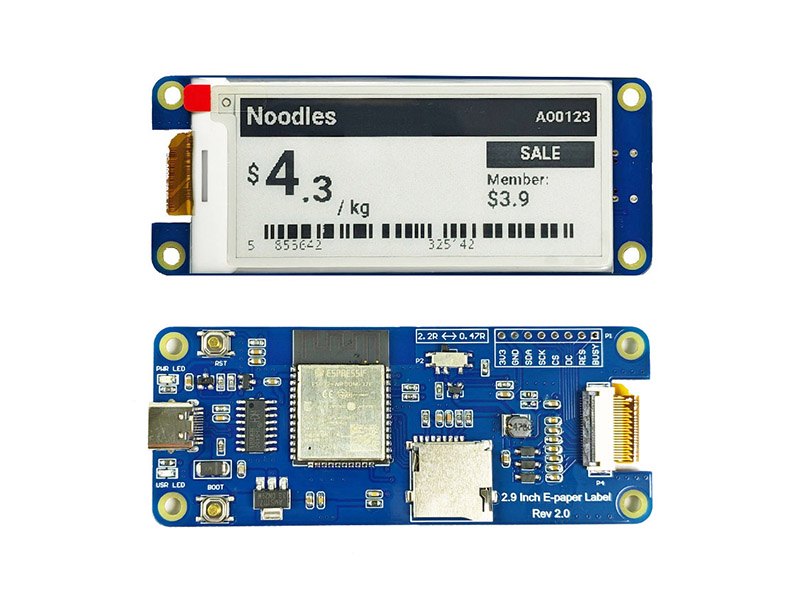
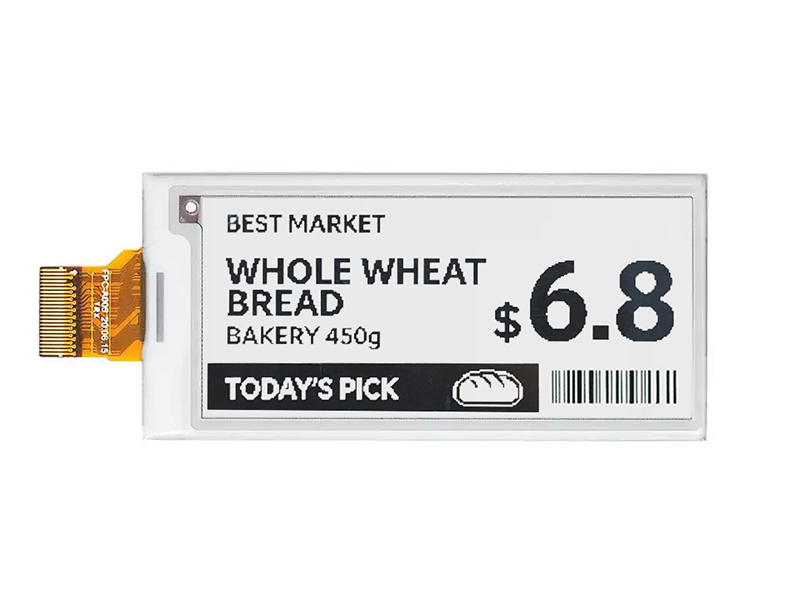
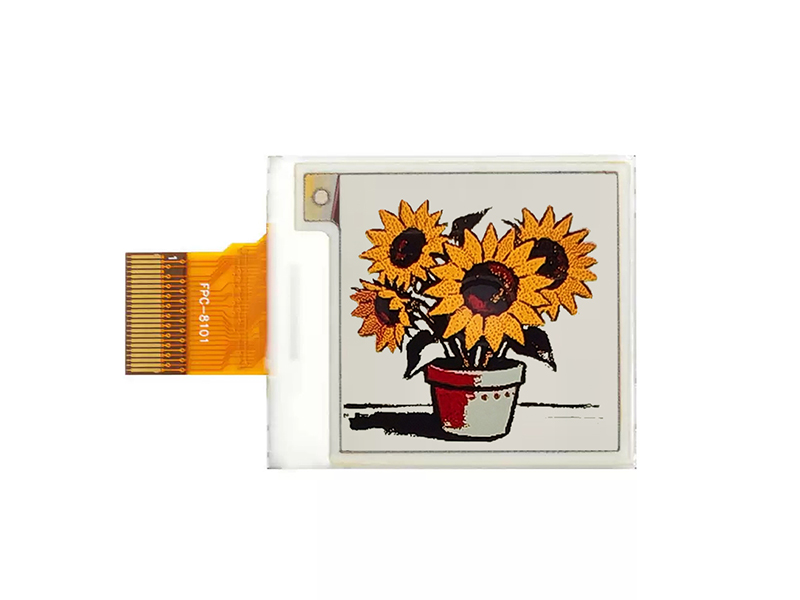
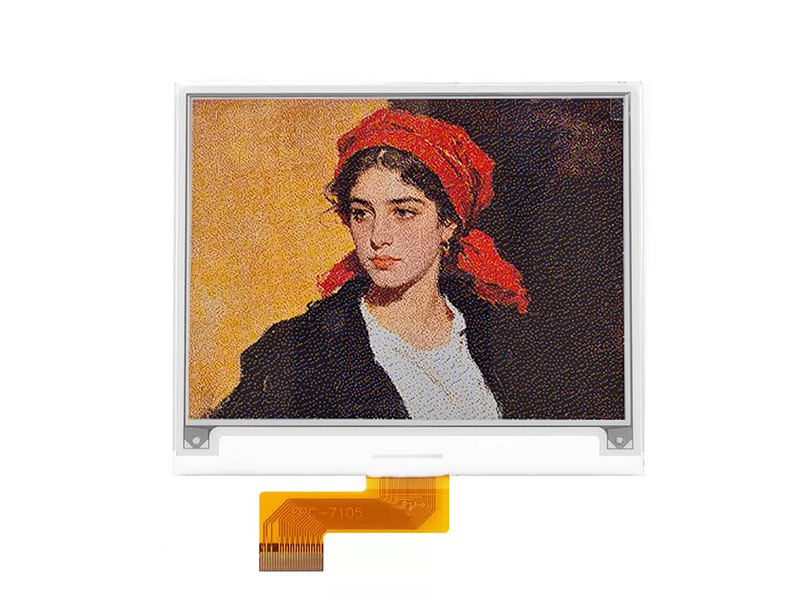
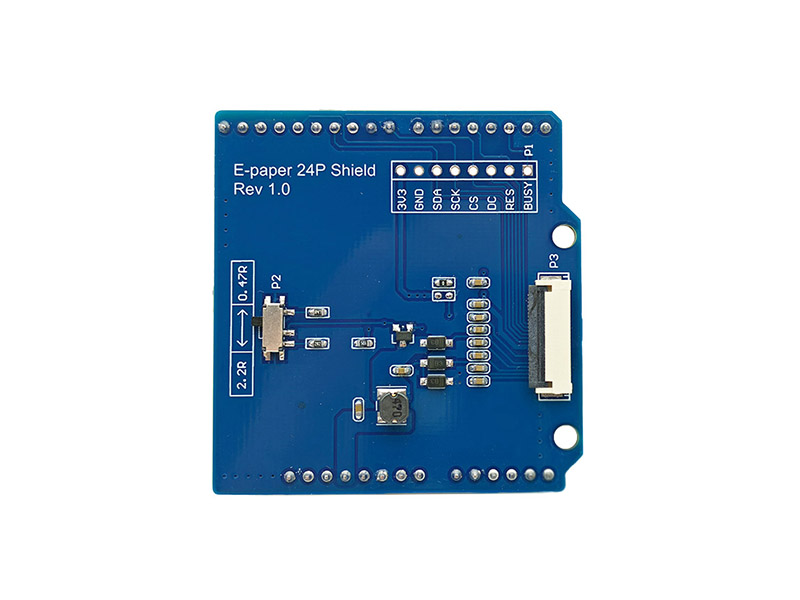
E-Paper

Explore low-power e-paper modules for labels, dashboards, and always-on information displays.

E-Paper Displays


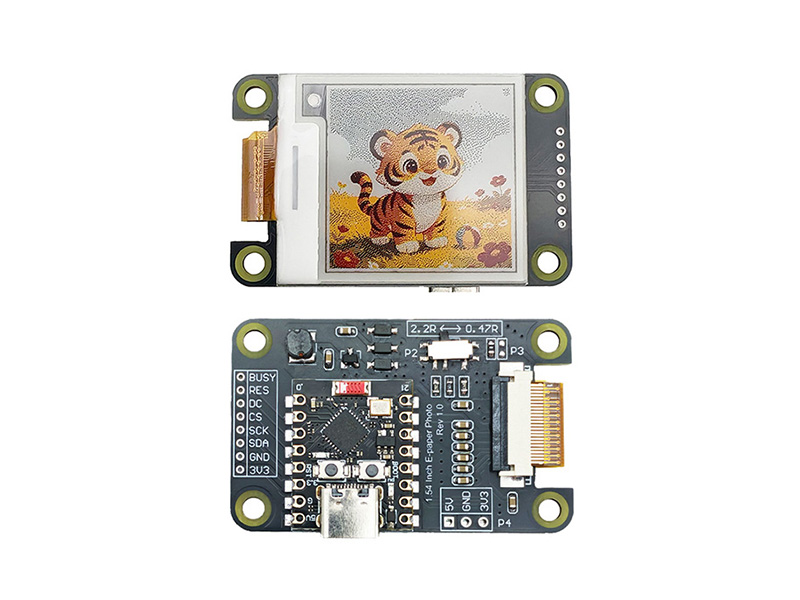
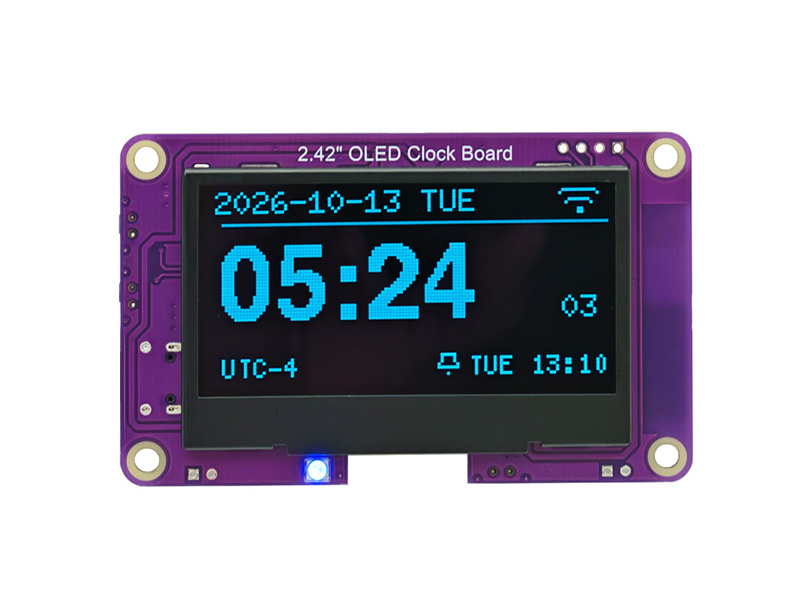
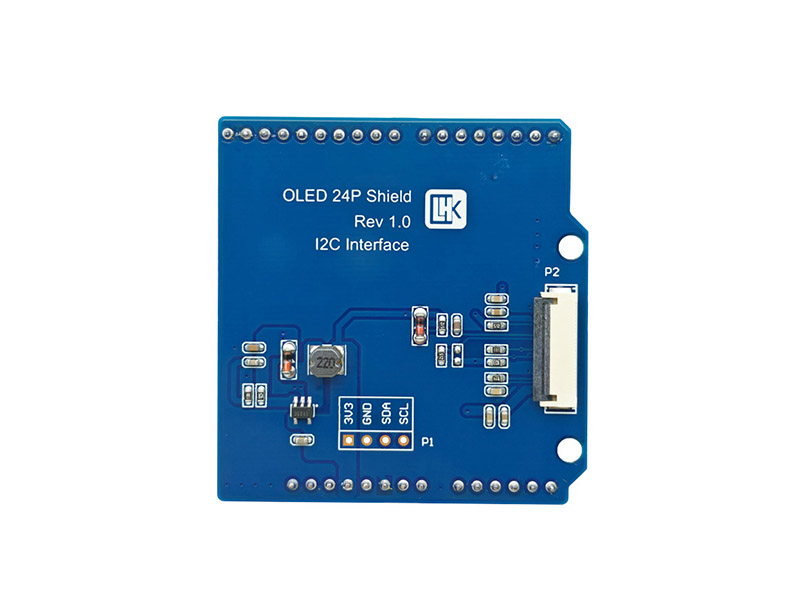
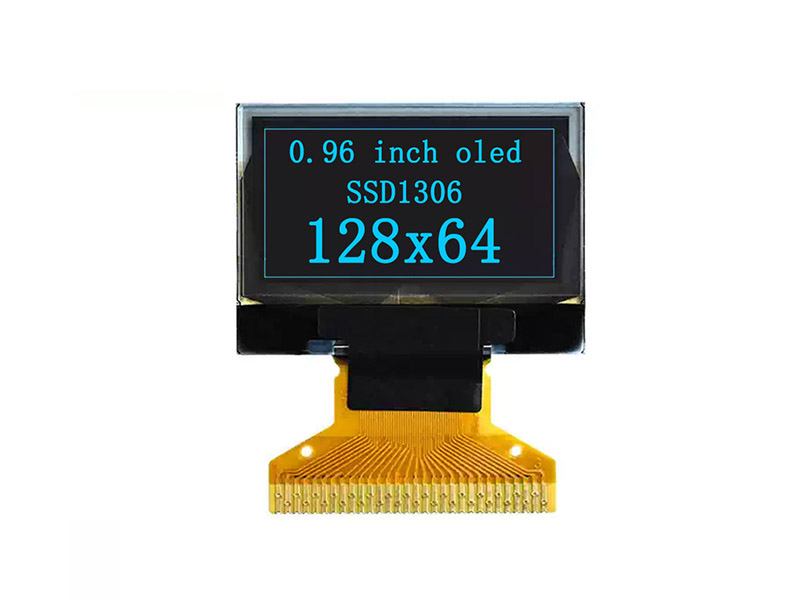
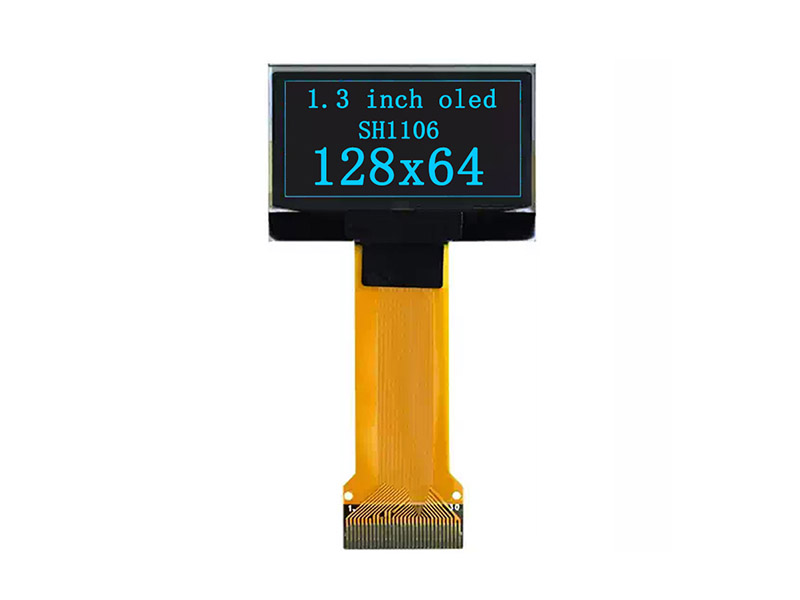
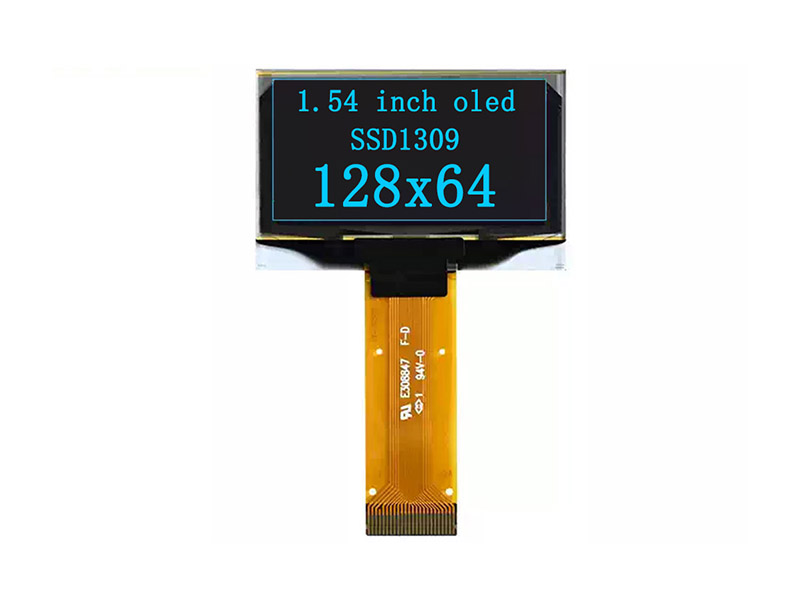
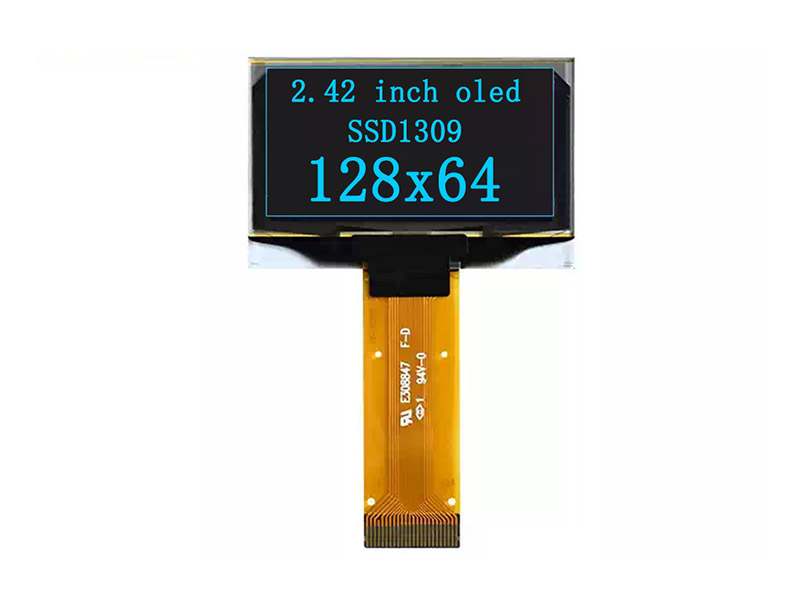
OLED

Browse compact OLED modules designed for clear graphics, status panels, and embedded user interfaces.

OLED Displays


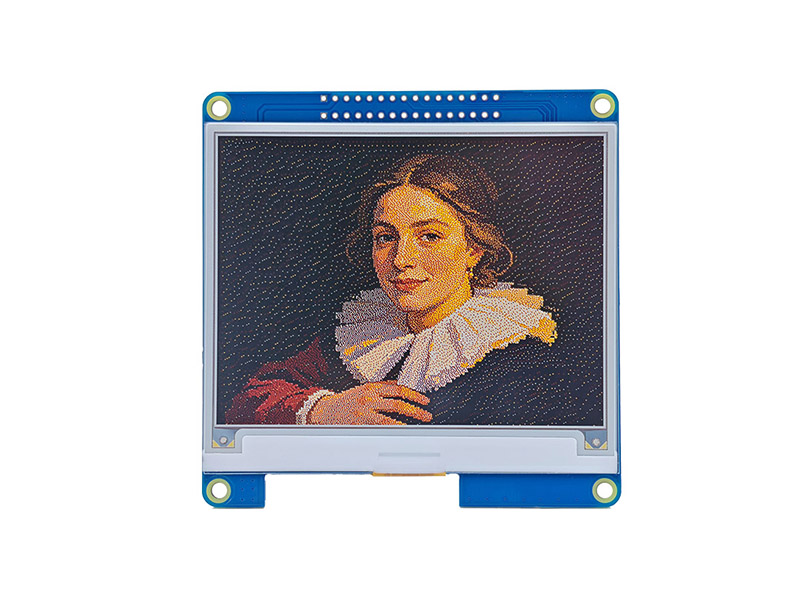
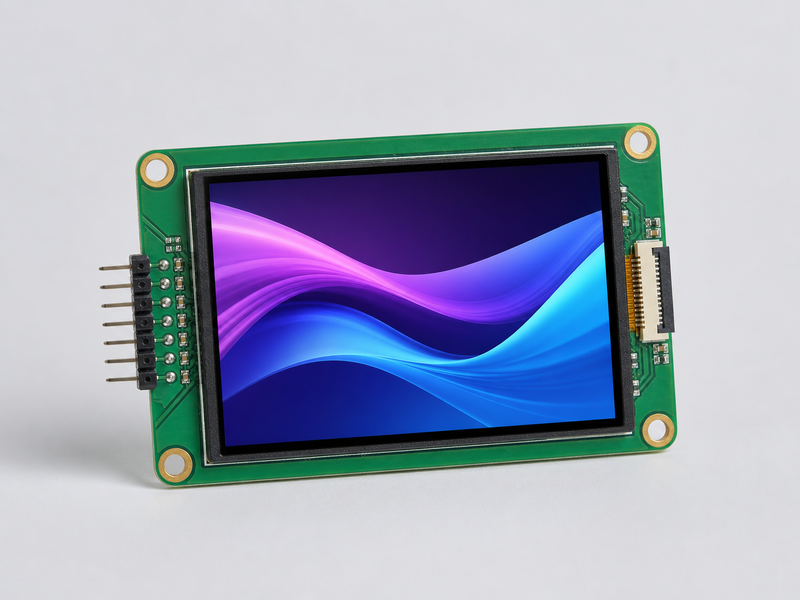
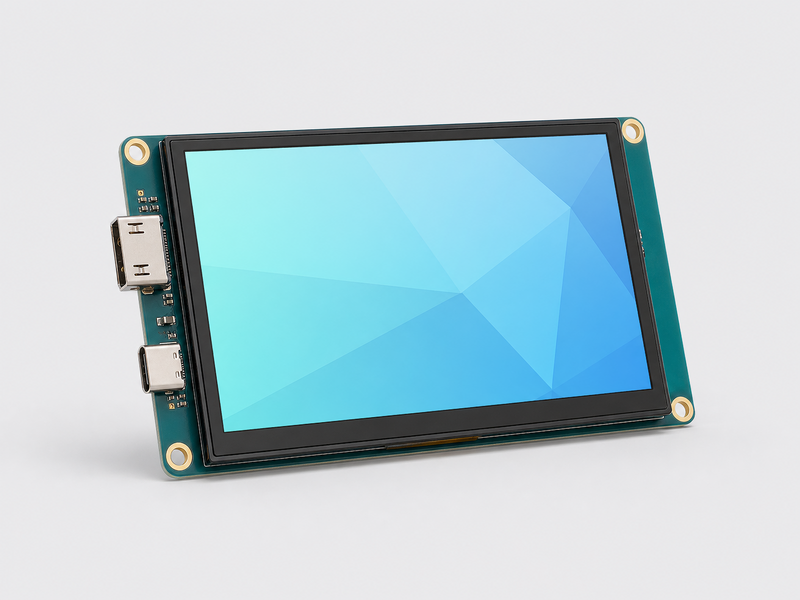
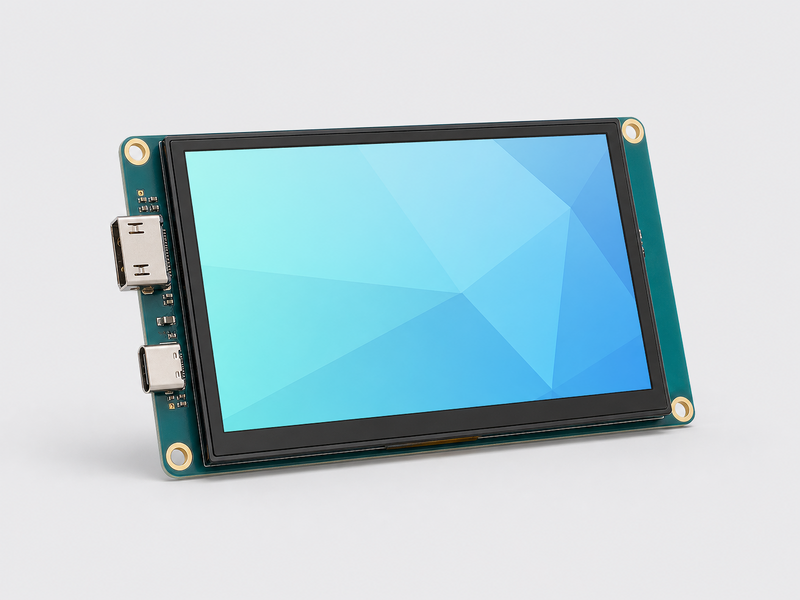
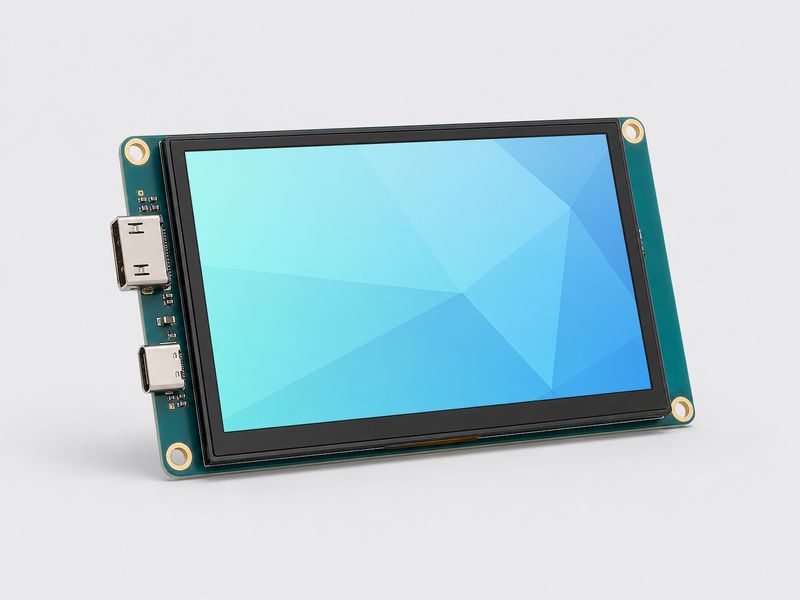
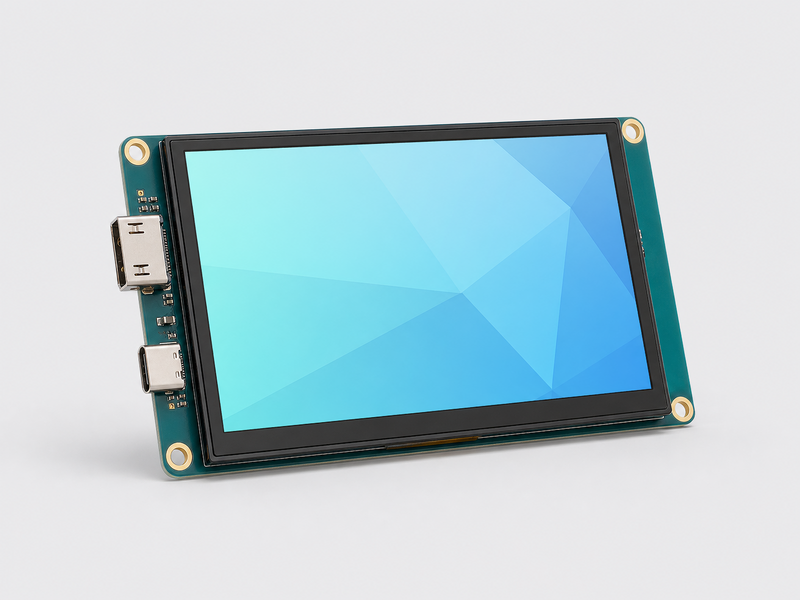
LCD

Discover LCD solutions for development boards, control panels, prototypes, and interactive projects.

LCD Displays


Arduino


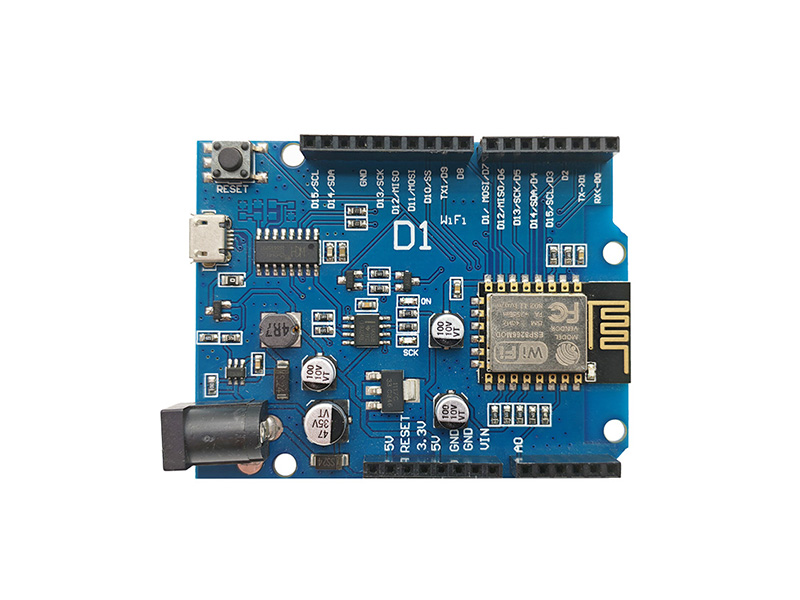
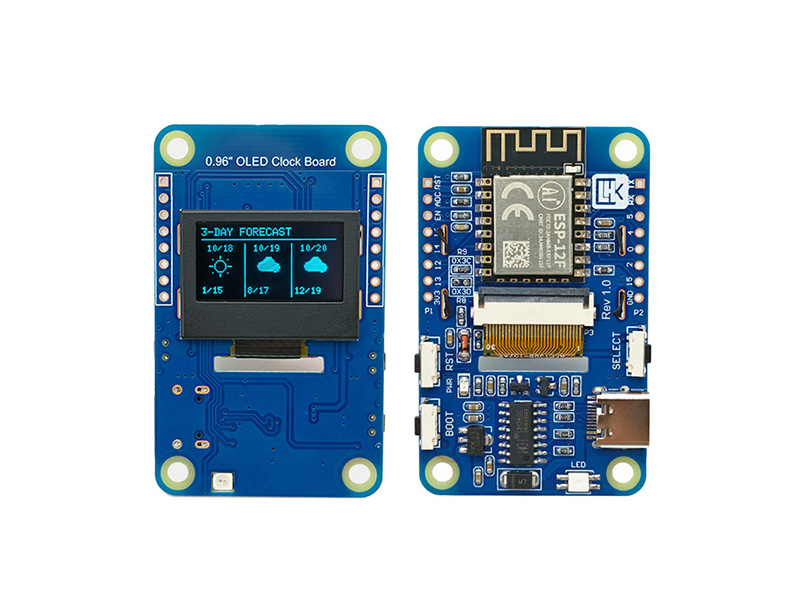
ESP8266

Start with flexible Arduino-compatible controller boards for learning, prototyping, and product development.

Arduino ESP8266


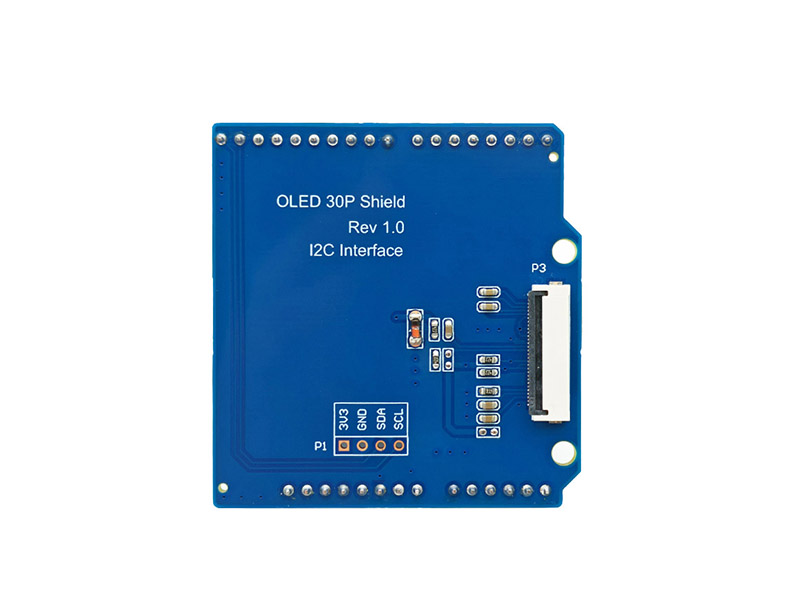
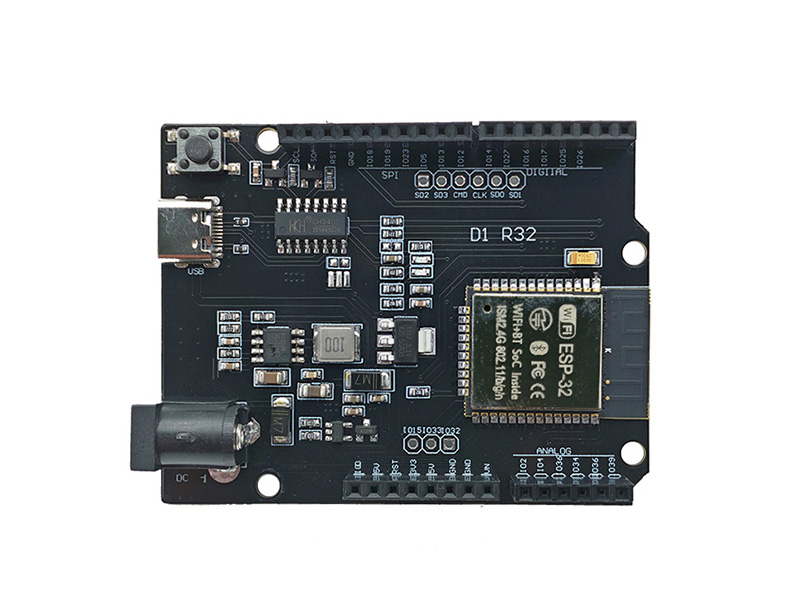
ESP32

Extend Arduino projects with display, sensor, communication, and general-purpose expansion boards.

Arduino ESP32

DIY

Build practical Arduino demonstrations covering automation, monitoring, motion, and interactive displays.

Arduino DIY


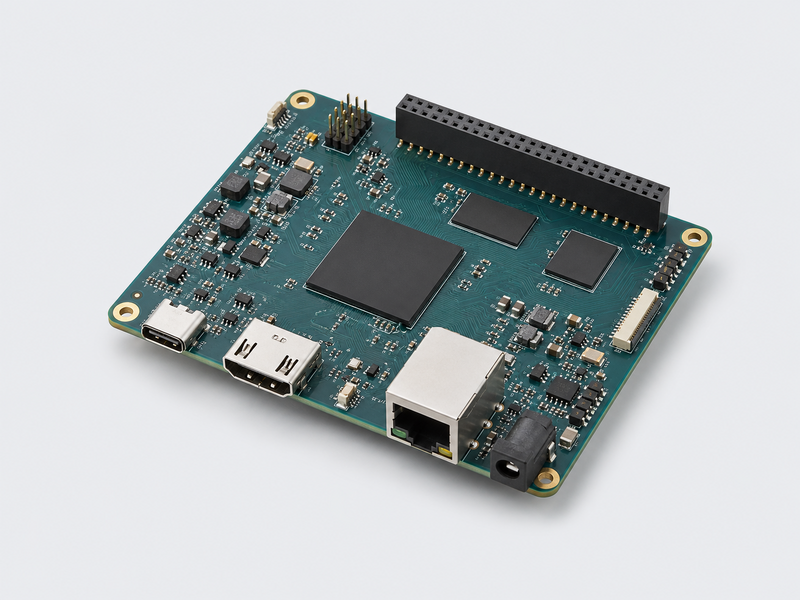
Raspberry Pi


Expansion Boards

Add displays, GPIO interfaces, sensors, and connectivity to Raspberry Pi development platforms.

Raspberry Pi Expansion Boards


DIY

Create Raspberry Pi dashboards, monitoring systems, smart devices, and connected prototypes.

Raspberry Pi DIY