olighker:首页目录配置: Difference between revisions
From olighker
More actions
目录管理 V3:两级分类、产品同步与可视化表单 |
调整首页目录顺序:Arduino 移至 Displays 之前 |
||
| (3 intermediate revisions by 2 users not shown) | |||
| Line 1: | Line 1: | ||
{{#default_form:首页目录}} | {{#default_form:首页目录}} | ||
{{首页分类入口|标题=Arduino|配置页=Project:首页分类/Arduino}} | |||
{{首页分类入口|标题=Displays|配置页=Project:首页分类/Displays}} | {{首页分类入口|标题=Displays|配置页=Project:首页分类/Displays}} | ||
Latest revision as of 21:09, 18 September 2026
Arduino
ESP32
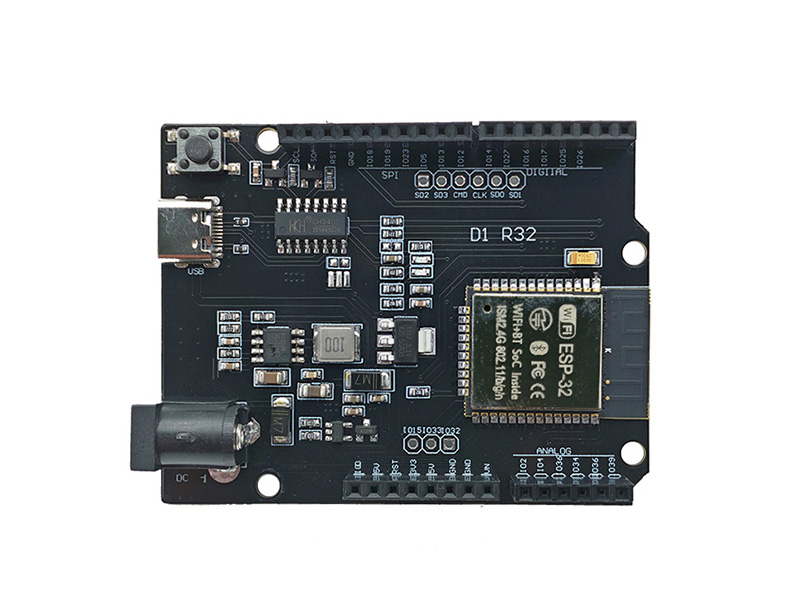
Extend Arduino projects with display, sensor, communication, and general-purpose expansion boards.
Arduino ESP32
ESP8266
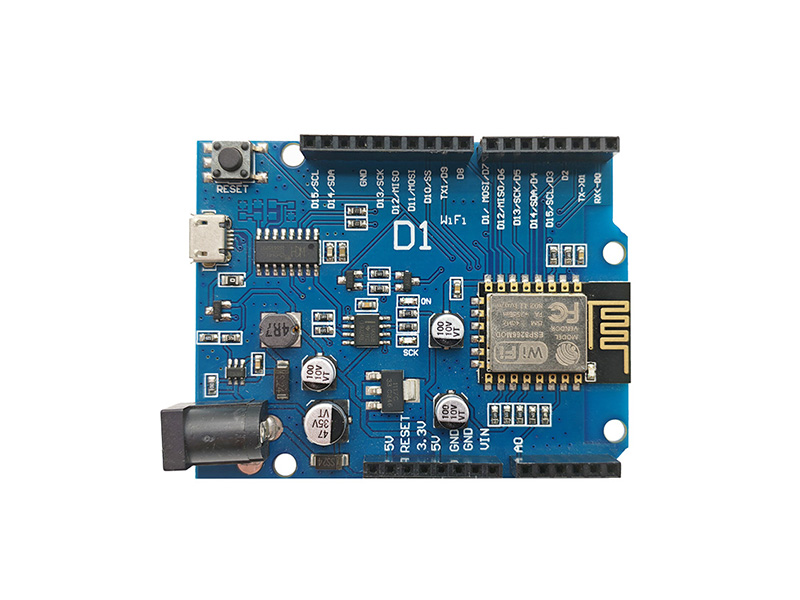
Start with flexible Arduino-compatible controller boards for learning, prototyping, and product development.
Arduino ESP8266
Accessories
Build practical Arduino demonstrations covering automation, monitoring, motion, and interactive displays.
Arduino DIY
Displays
E-Paper
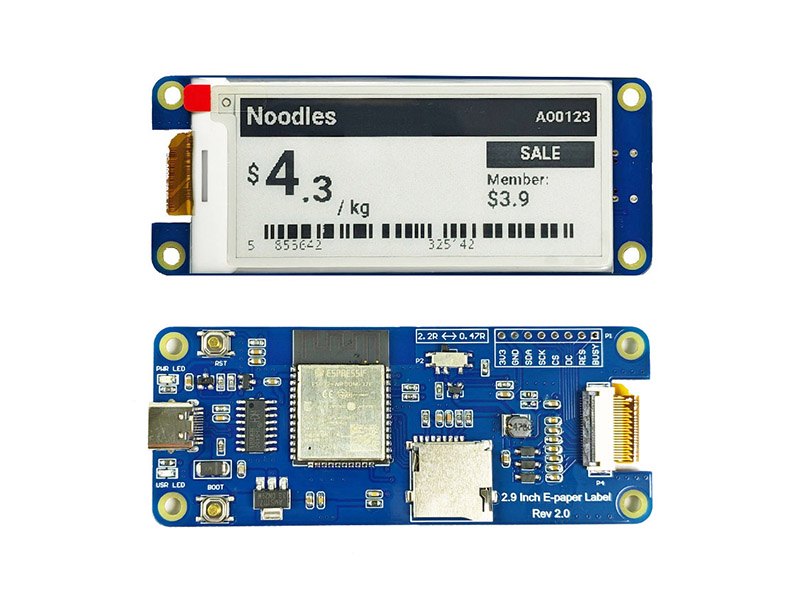
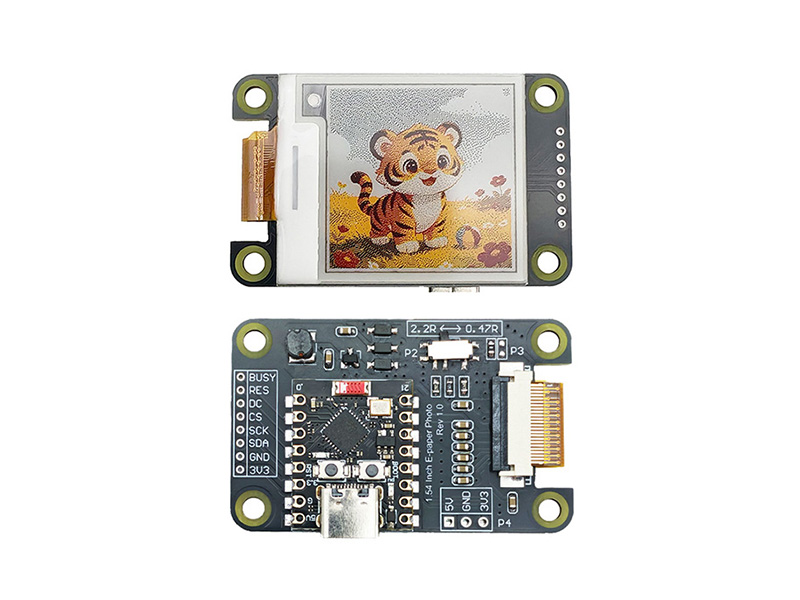
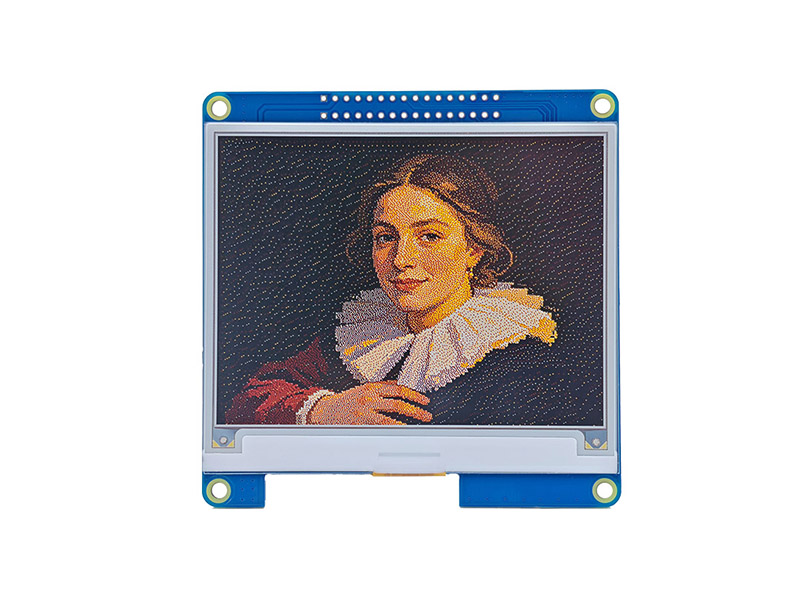
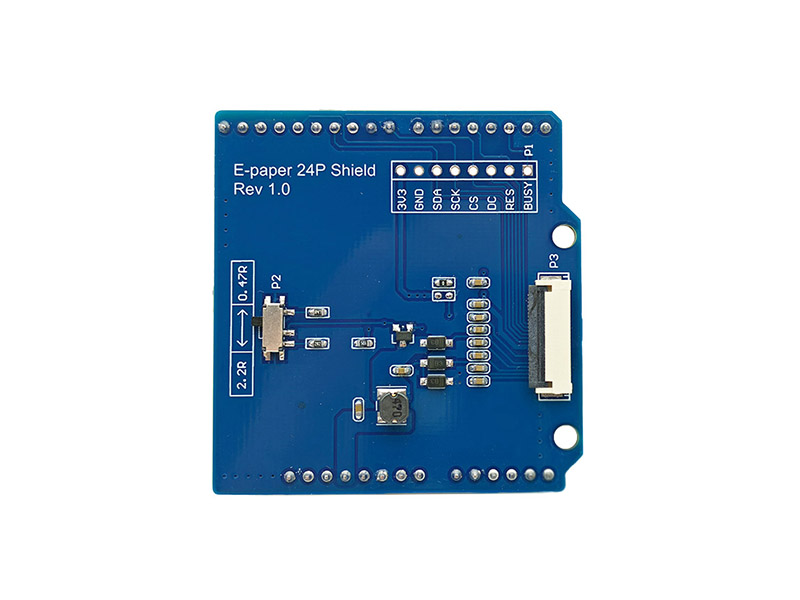
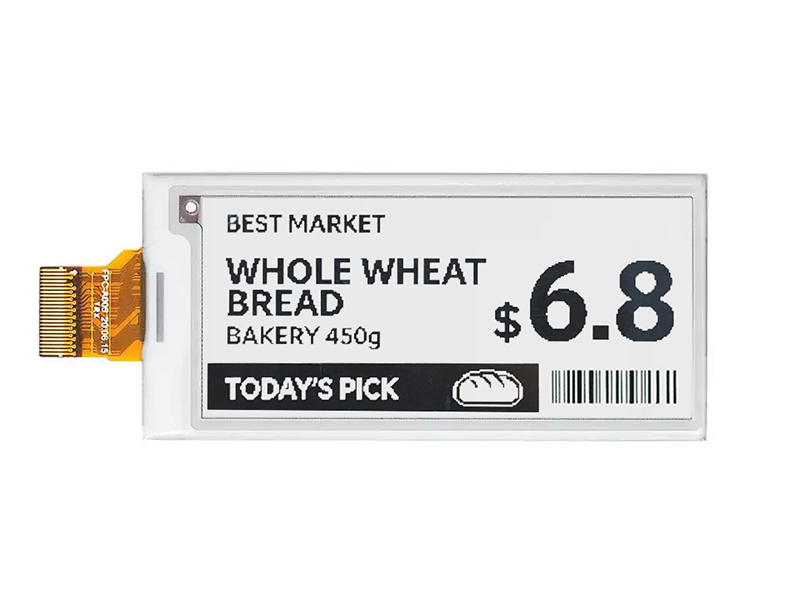
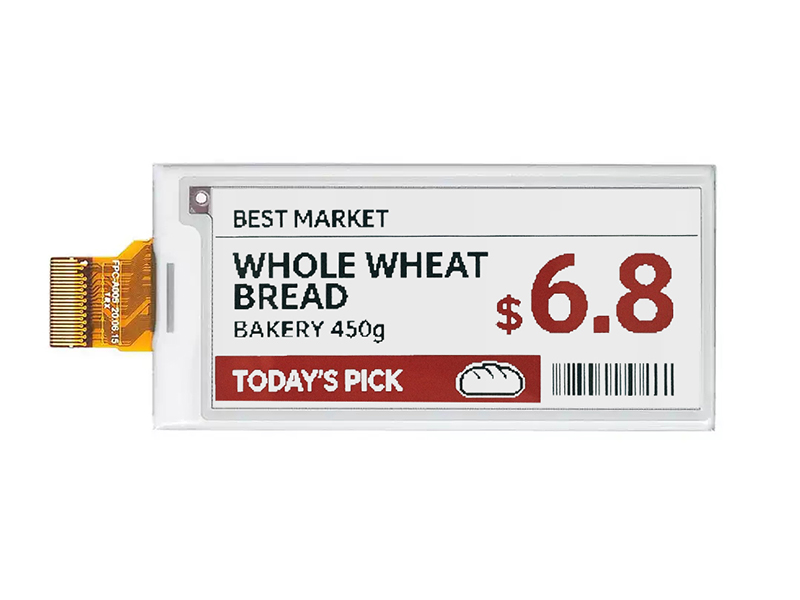
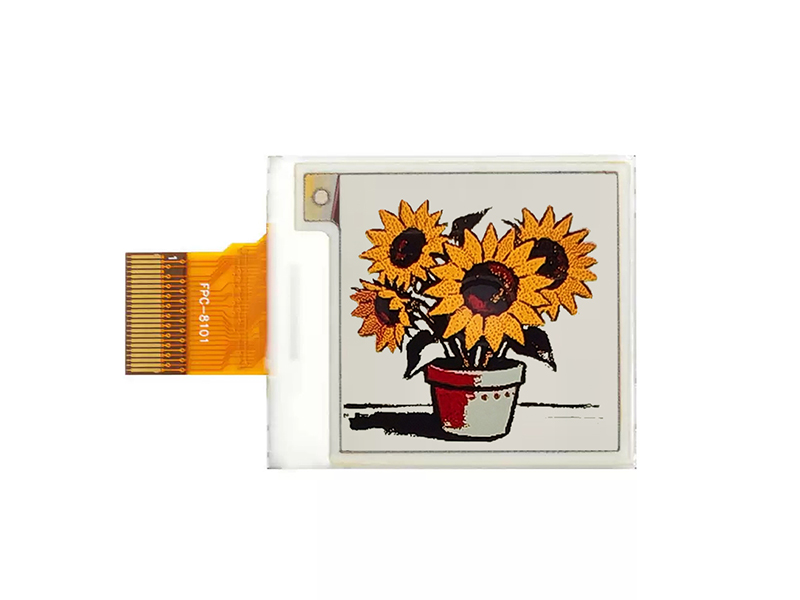
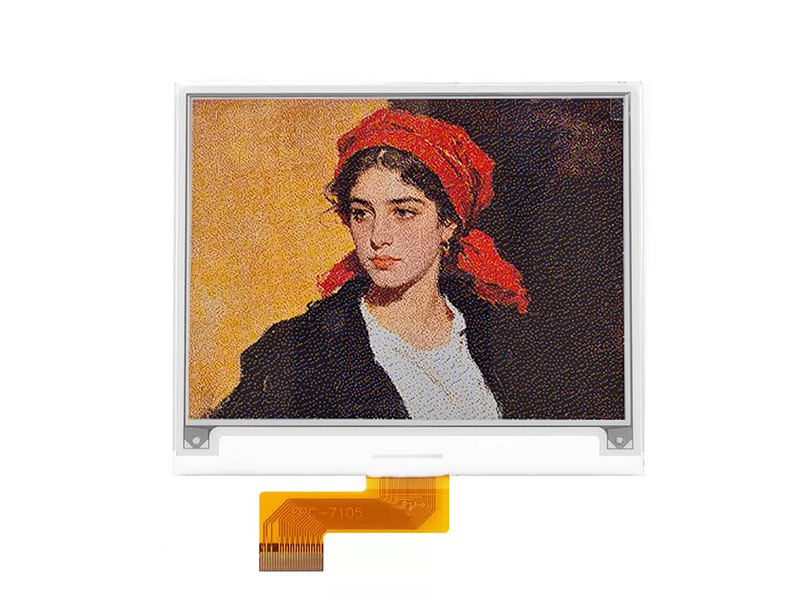
Explore low-power e-paper modules for labels, dashboards, and always-on information displays.
E-Paper Displays
OLED
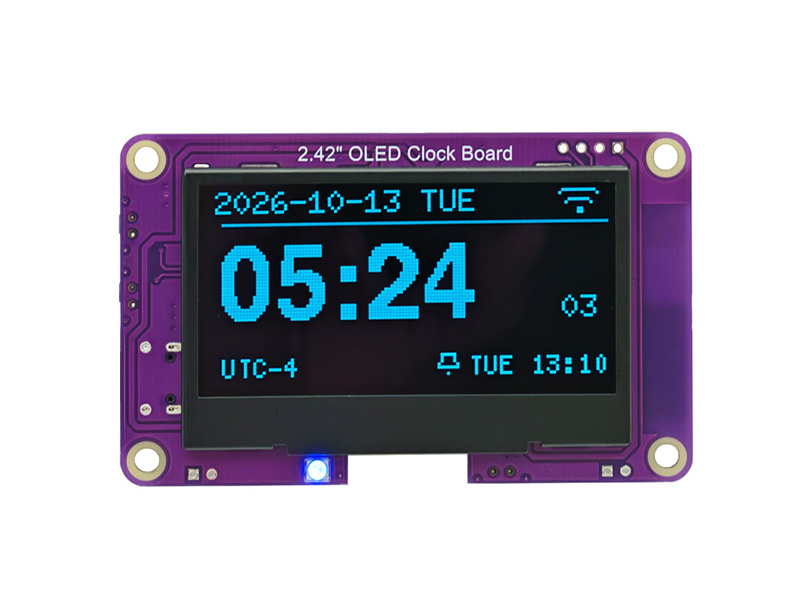
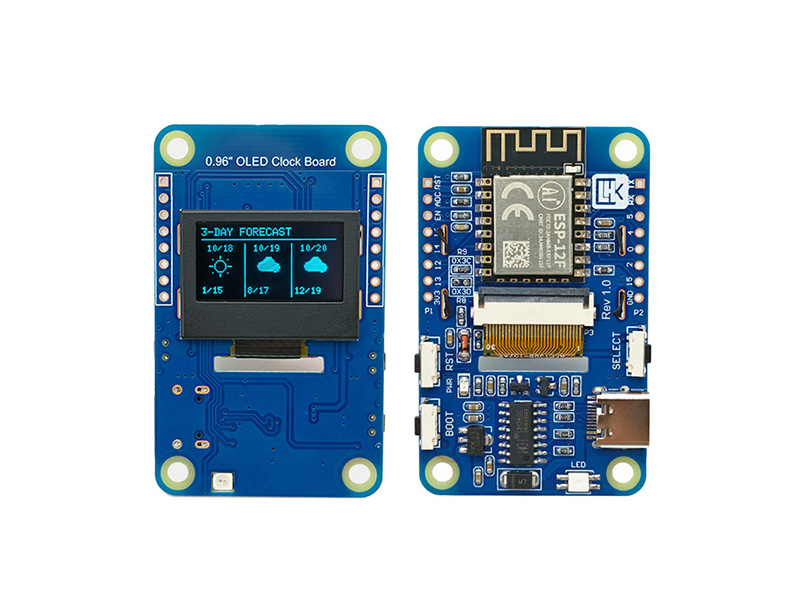
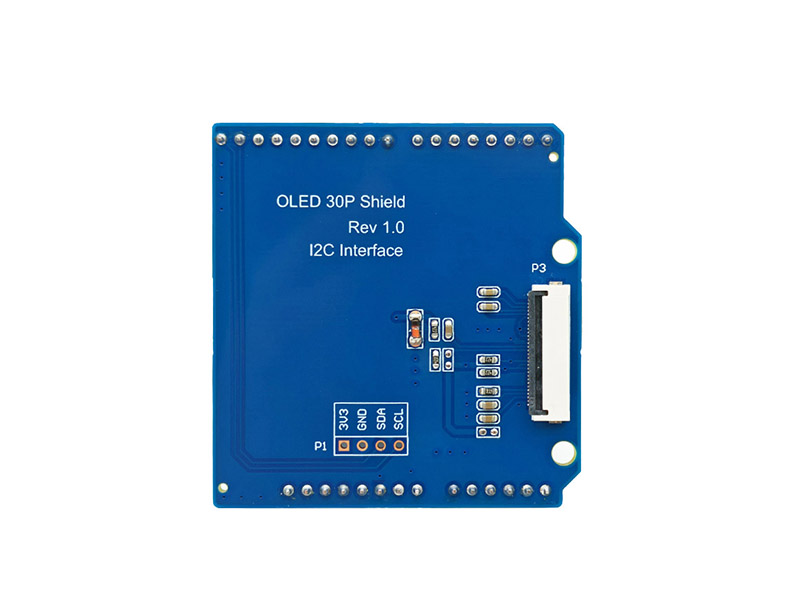
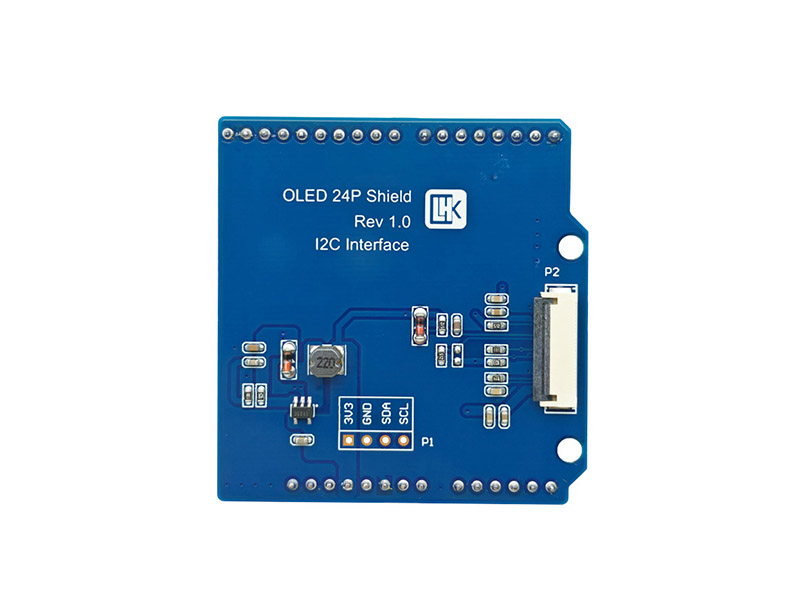
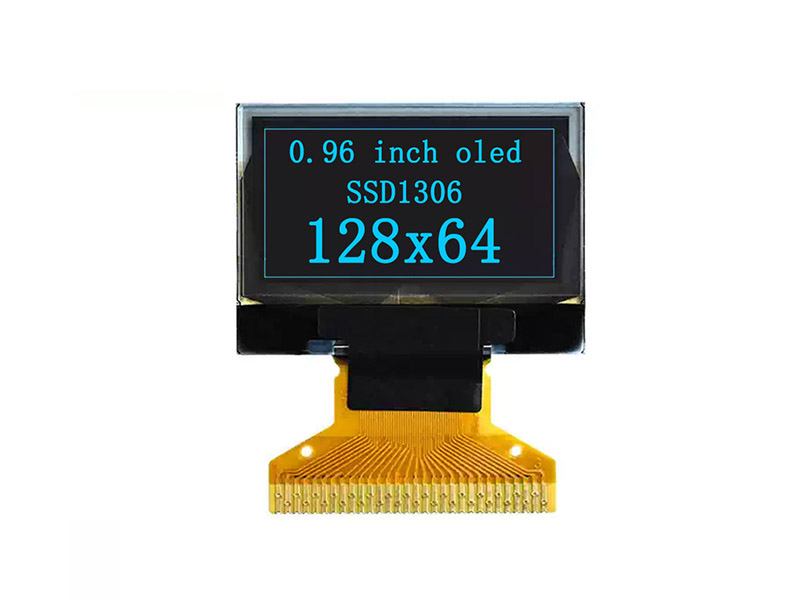
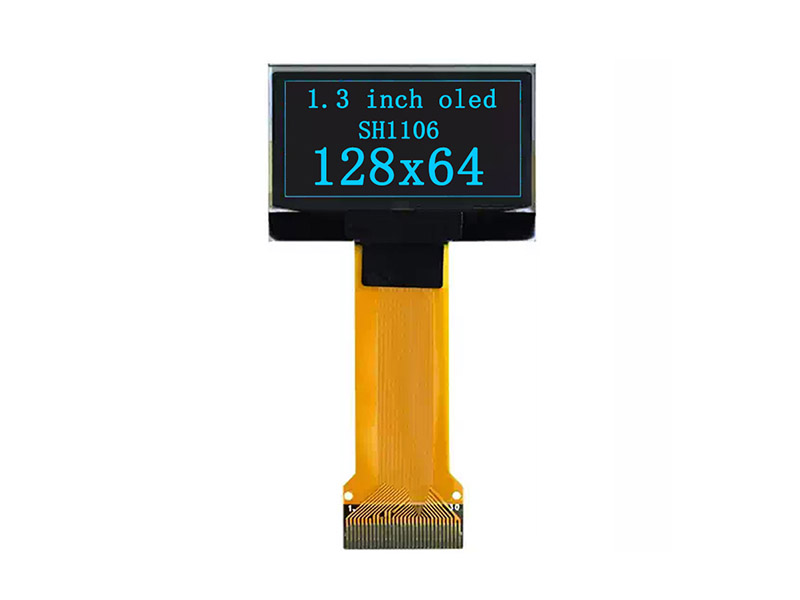
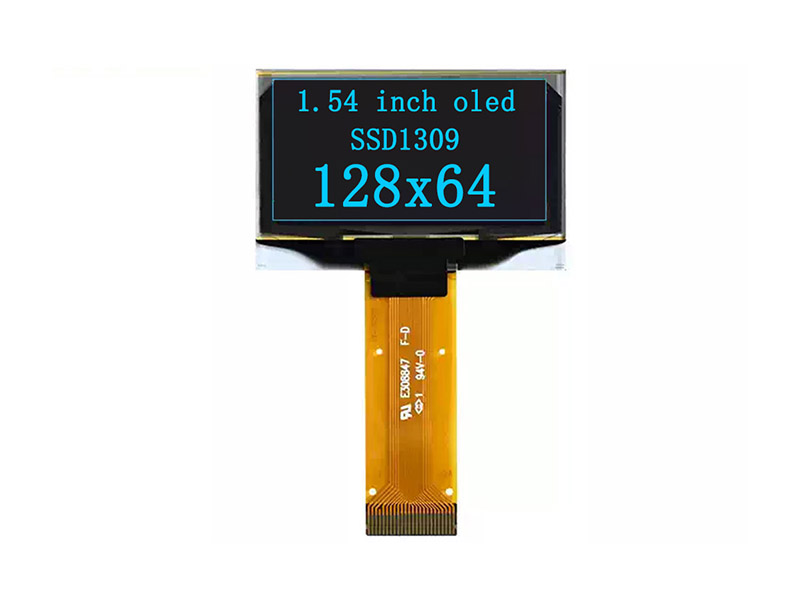
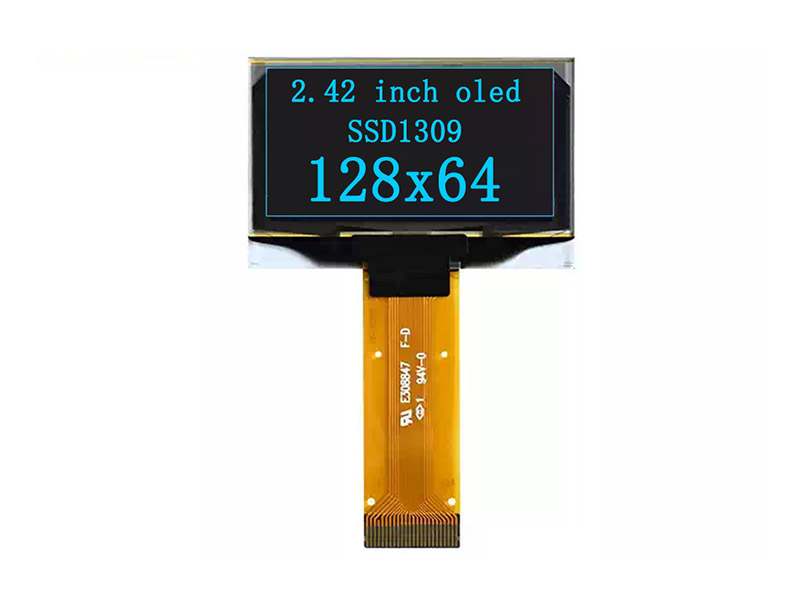
Browse compact OLED modules designed for clear graphics, status panels, and embedded user interfaces.
OLED Displays
LCD
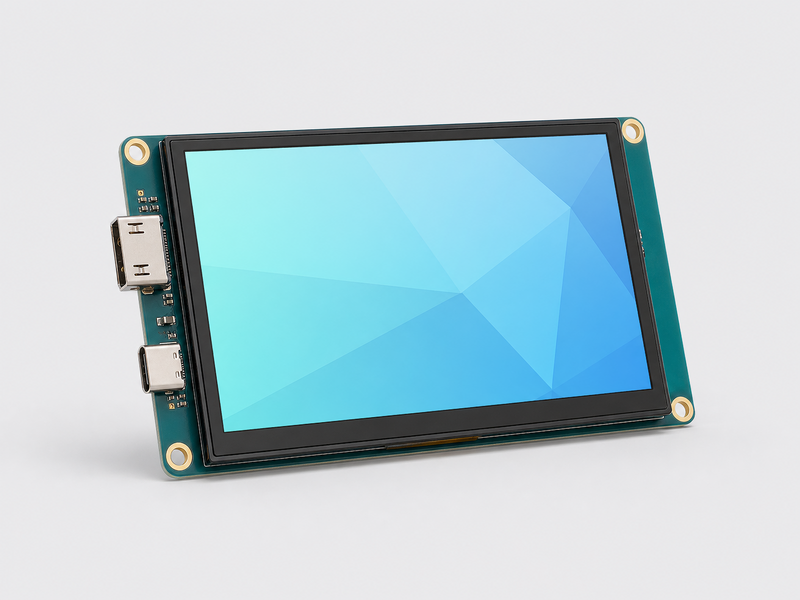
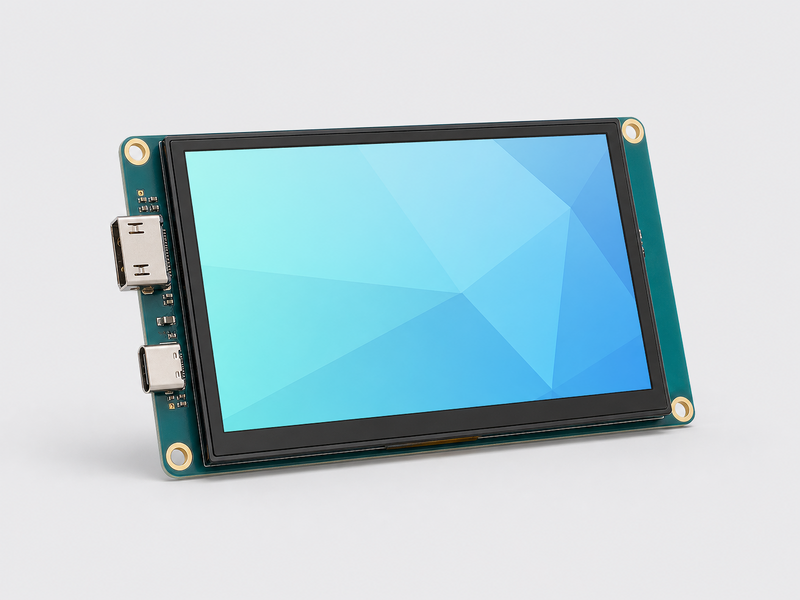
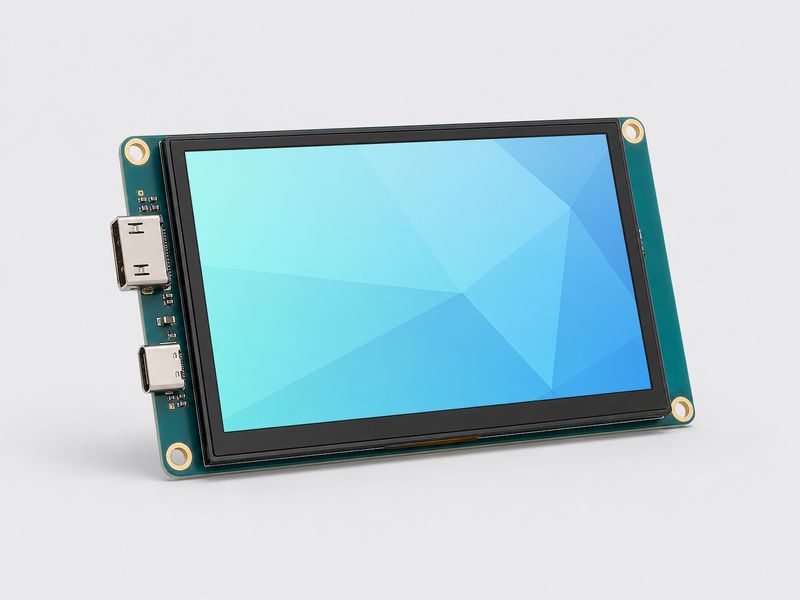
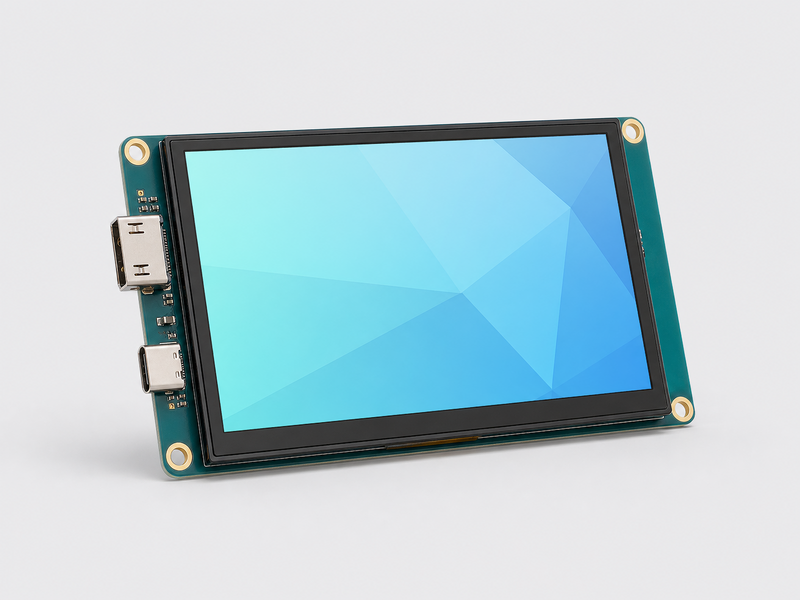
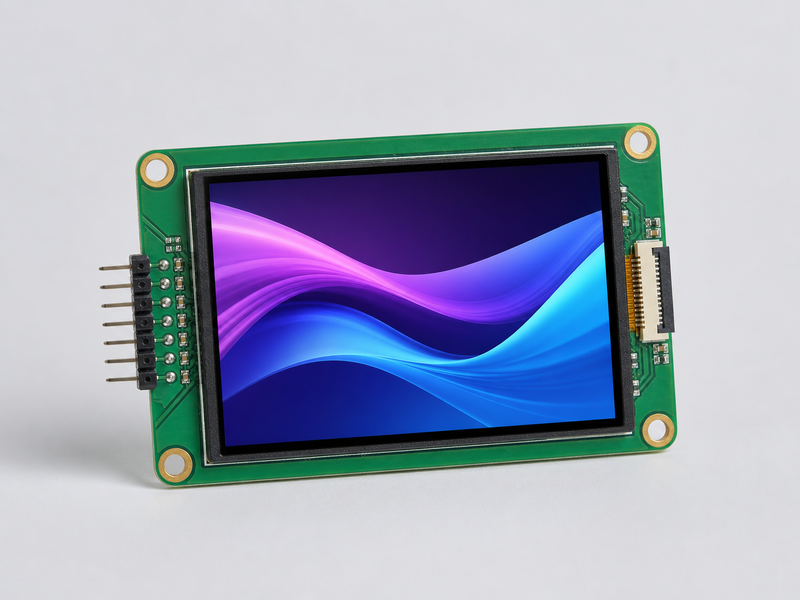
Discover LCD solutions for development boards, control panels, prototypes, and interactive projects.
LCD Displays