
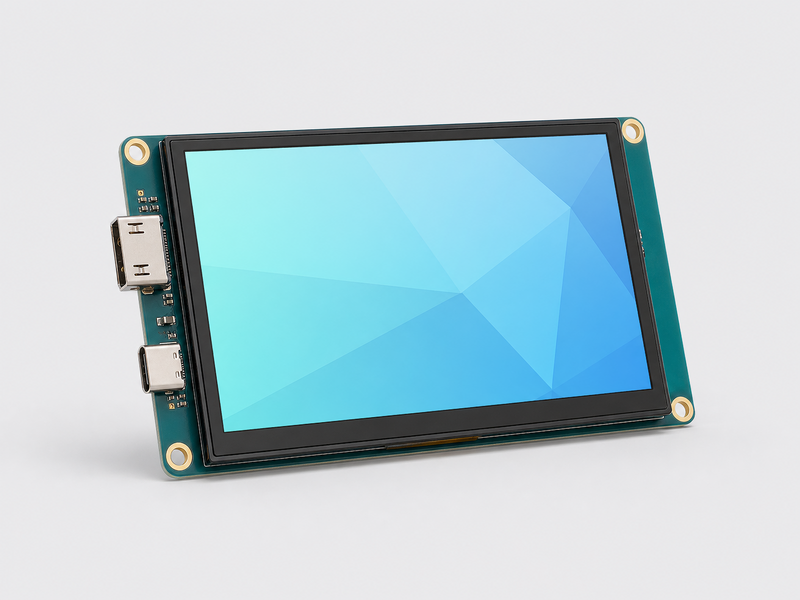
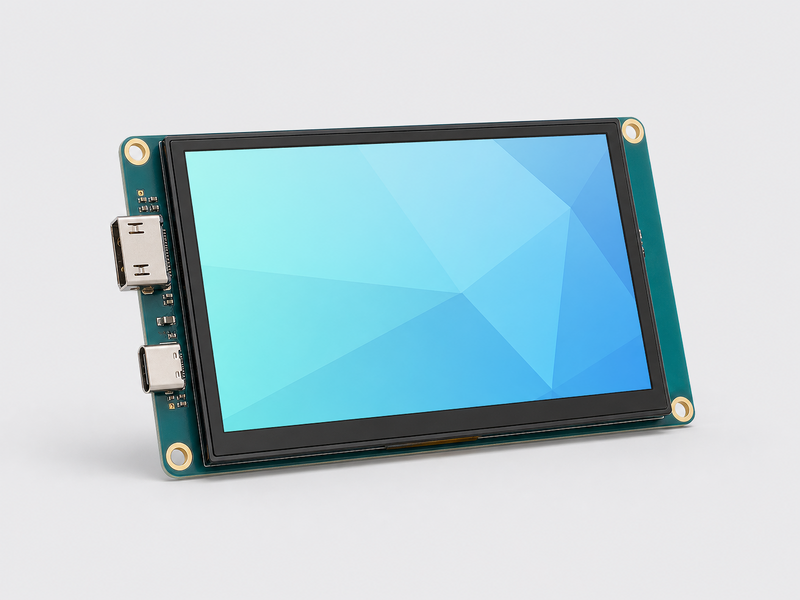
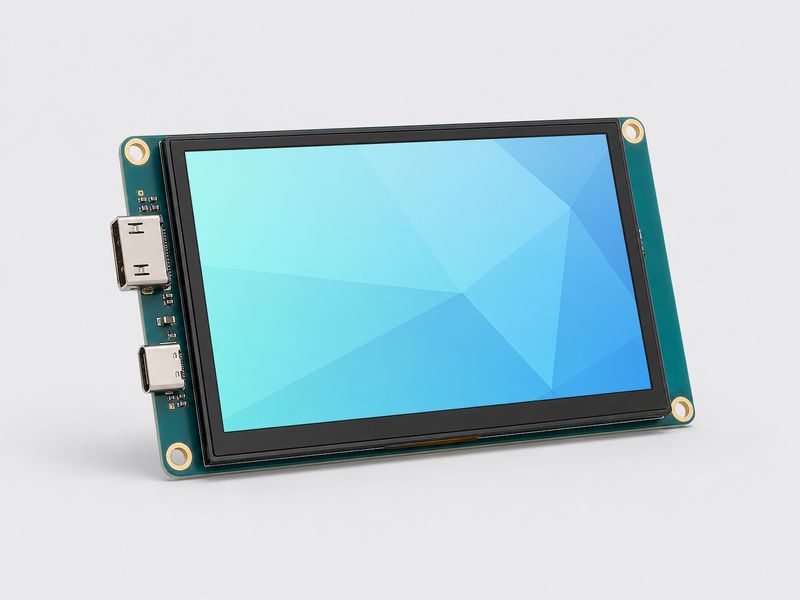
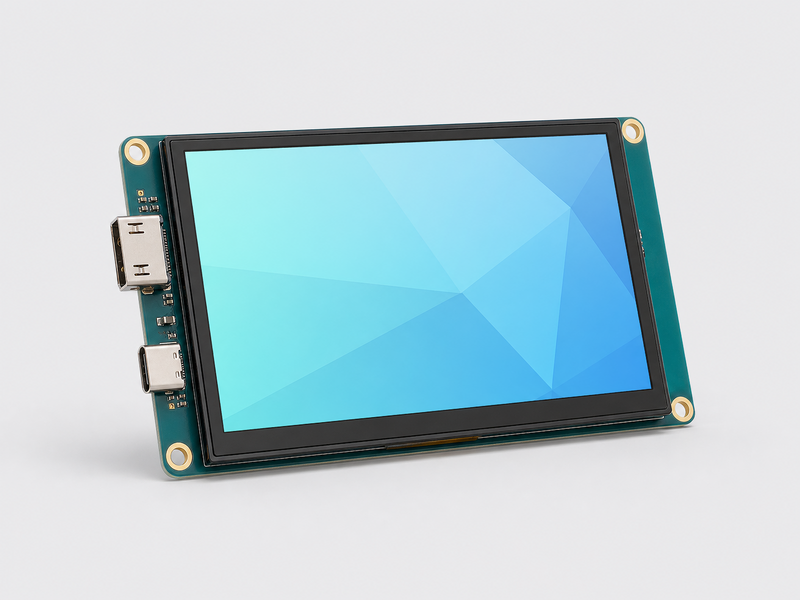
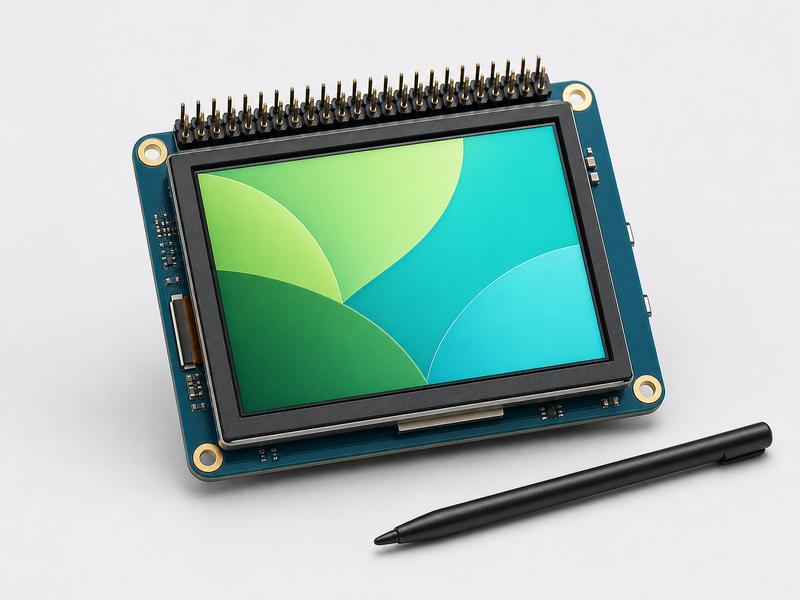
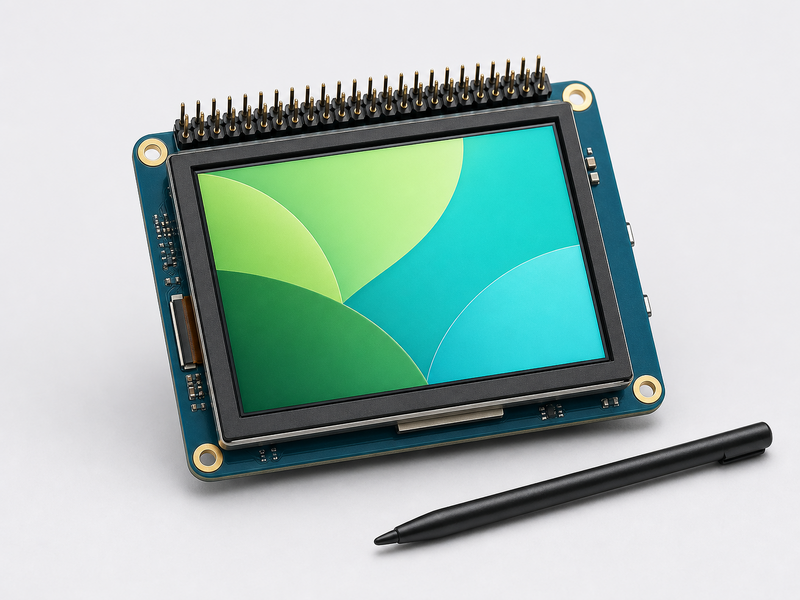
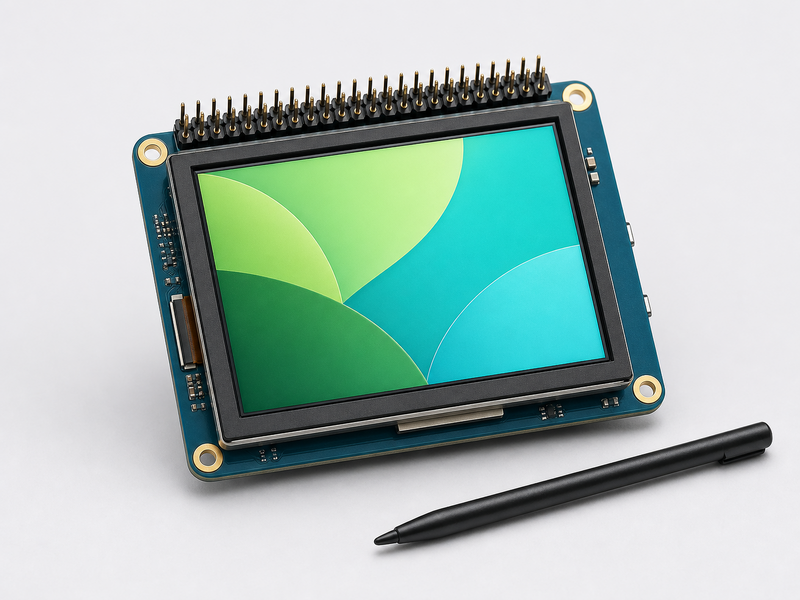
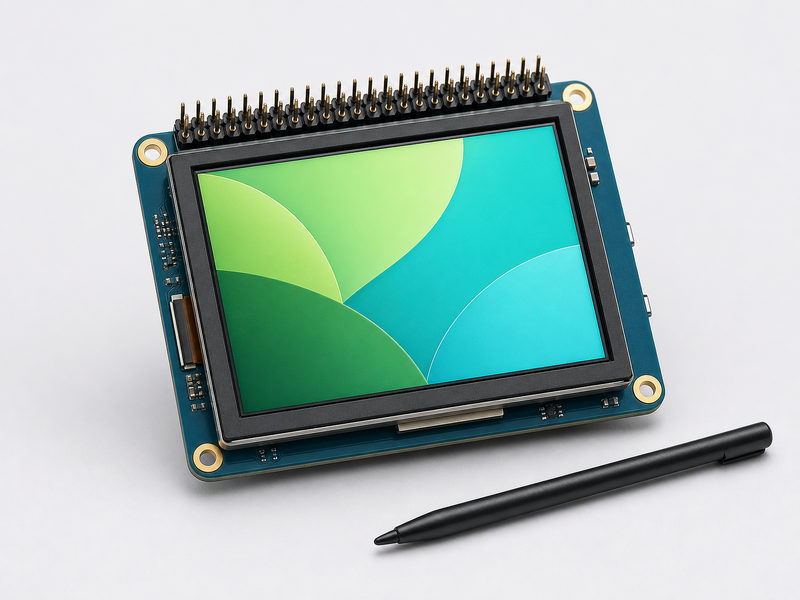
5英寸 RGB 显示模块
More actions
Displays
E-Paper
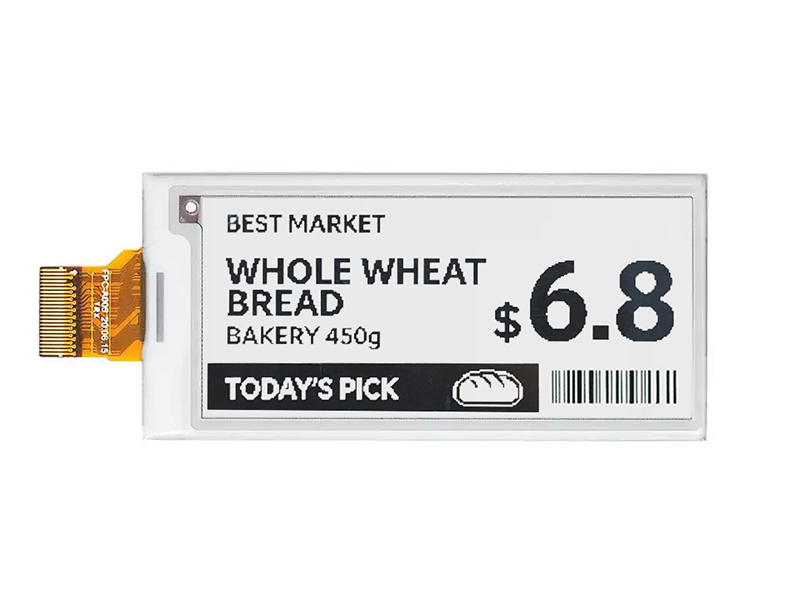
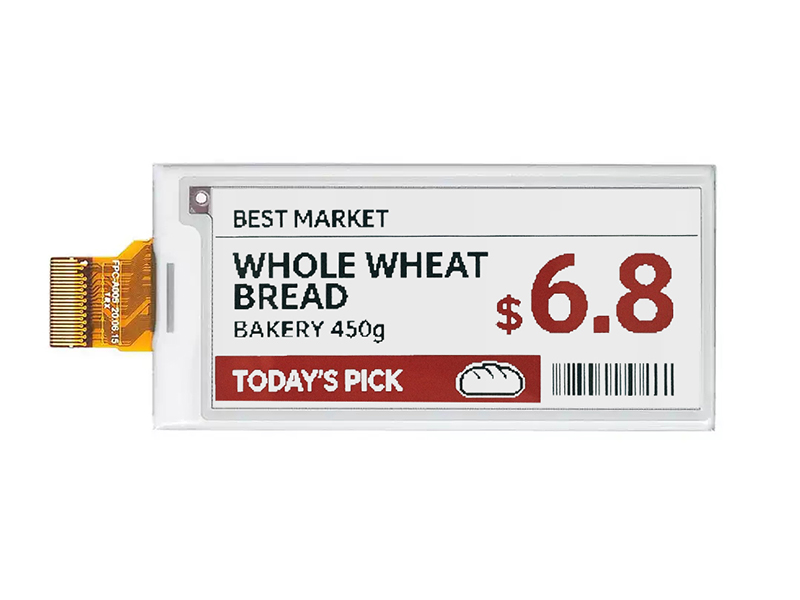
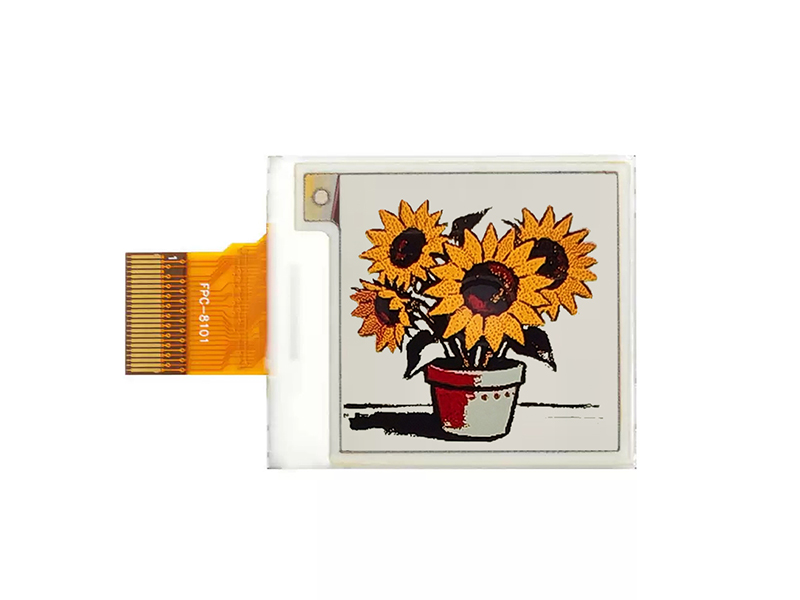
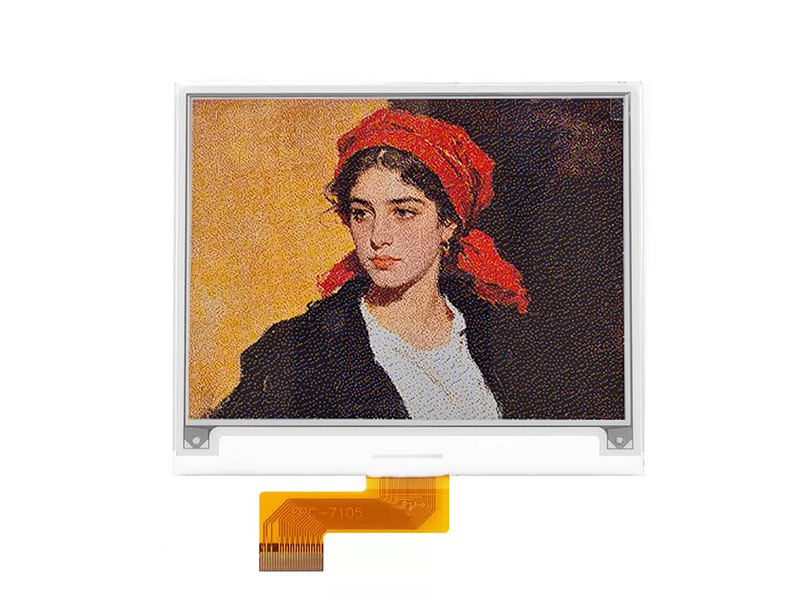
Explore low-power e-paper modules for labels, dashboards, and always-on information displays.
OLED
Browse compact OLED modules designed for clear graphics, status panels, and embedded user interfaces.
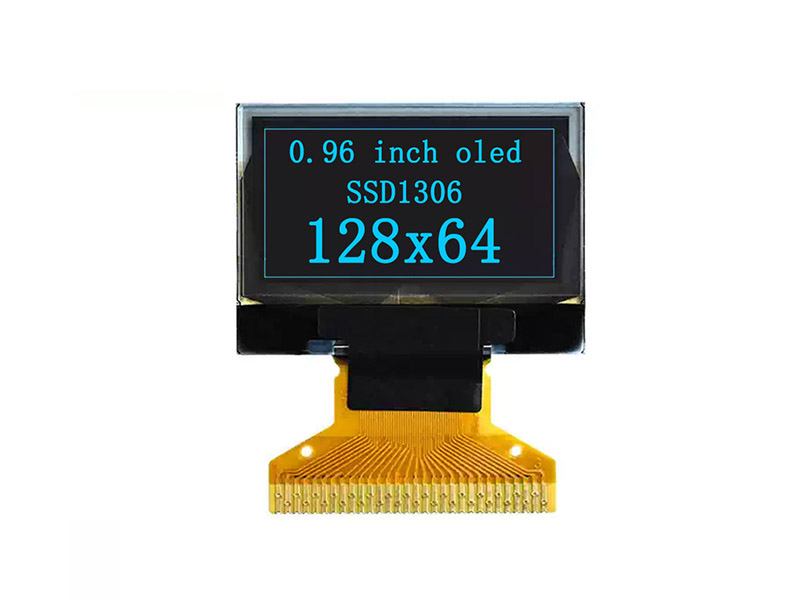
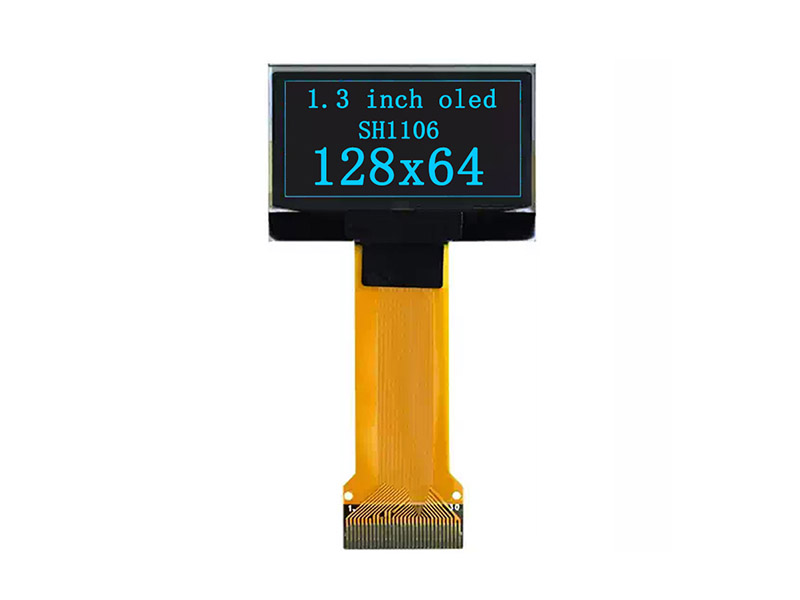
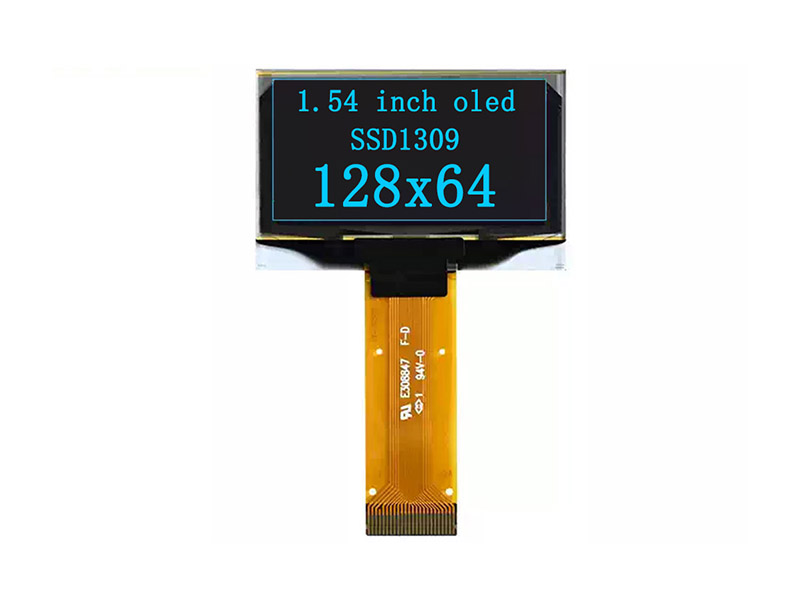
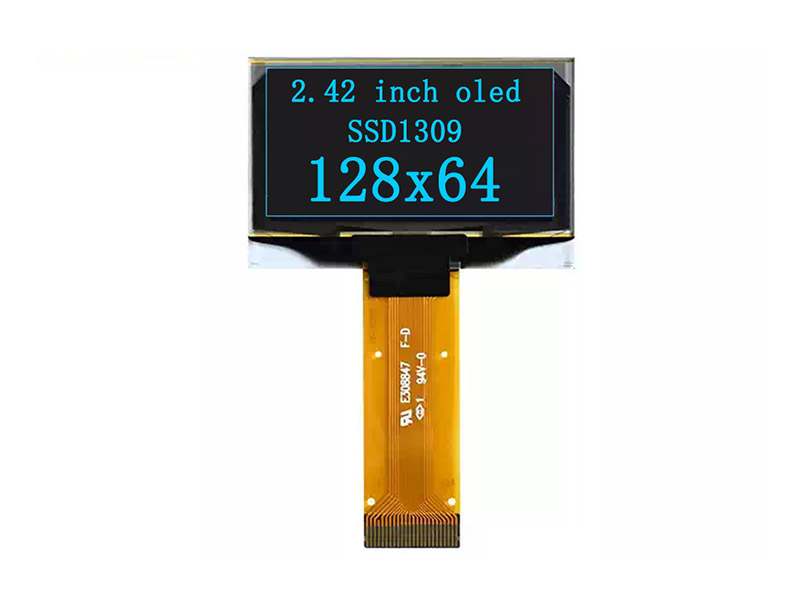
LCD
Discover LCD solutions for development boards, control panels, prototypes, and interactive projects.
Arduino
ESP32
Extend Arduino projects with display, sensor, communication, and general-purpose expansion boards.
ESP8266
Start with flexible Arduino-compatible controller boards for learning, prototyping, and product development.
Accessories
Build practical Arduino demonstrations covering automation, monitoring, motion, and interactive displays.
Raspberry Pi
Expansion Boards
Add displays, GPIO interfaces, sensors, and connectivity to Raspberry Pi development platforms.
DIY
Create Raspberry Pi dashboards, monitoring systems, smart devices, and connected prototypes.
Accessories
Chargers
Find test power adapters and charging accessories for development boards and portable projects.
GettingStarted

产品介绍
- 从识别接口到显示测试的完整起步路径。
- 强调断电接线、电压检查和故障定位。
- 可作为后续产品专属教程的统一入口。
产品参数
| 项目 | 参数 |
|---|---|
| 型号 | GETTING-STARTED |
| 所属模块 | GettingStarted |
| 显示尺寸 | 适用于多种模块 |
| 分辨率 | 依目标模块而定 |
| 显示接口 | HDMI / SPI / RGB / USB |
| 触控方式 | 依目标模块而定 |
| 供电 | 按模块规格 |
| 外形尺寸 | 不适用 |
硬件说明
开始前准备受支持的主控、稳定电源、匹配的数据线和必要的转接板。先核对电压与一号引脚,再连接信号。
使用说明
- 阅读目标模块的接口与电压说明。
- 断电完成供电、接地和信号连接。
- 安装对应驱动或示例程序。
- 先运行纯色/彩条测试,再测试触控。
- 保存可复现的接线与软件版本记录。
常见问题
- 应先排查软件还是硬件?
- 先检查供电、接地、线序和连接器,再核对驱动型号与初始化参数。
- 为什么建议从测试图开始?
- 测试图能快速区分链路、颜色、时序和应用界面问题。
资源下载
Cables
Choose test cables and adapters for power, data, display, and GPIO connections.
Warning: Display title "5英寸 RGB 显示模块" overrides earlier display title "显示模块快速入门套件".
RGB Display Module

产品介绍
- 标准 RGB 像素总线适配多种显示控制器。
- 支持横屏图形界面与触控扩展。
- 资料区可由管理员持续补充下载项。
产品参数
| 项目 | 参数 |
|---|---|
| 型号 | DEMO-RGB-050 |
| 所属模块 | RGB Display Module |
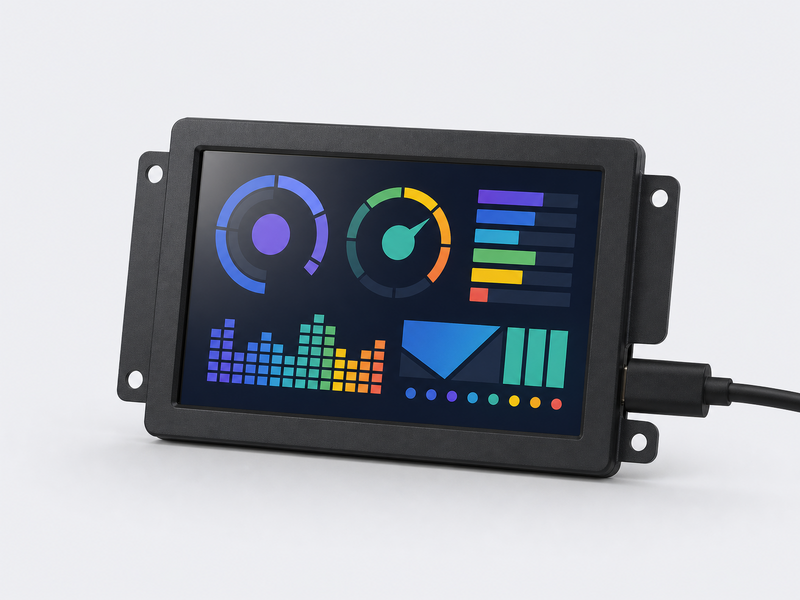
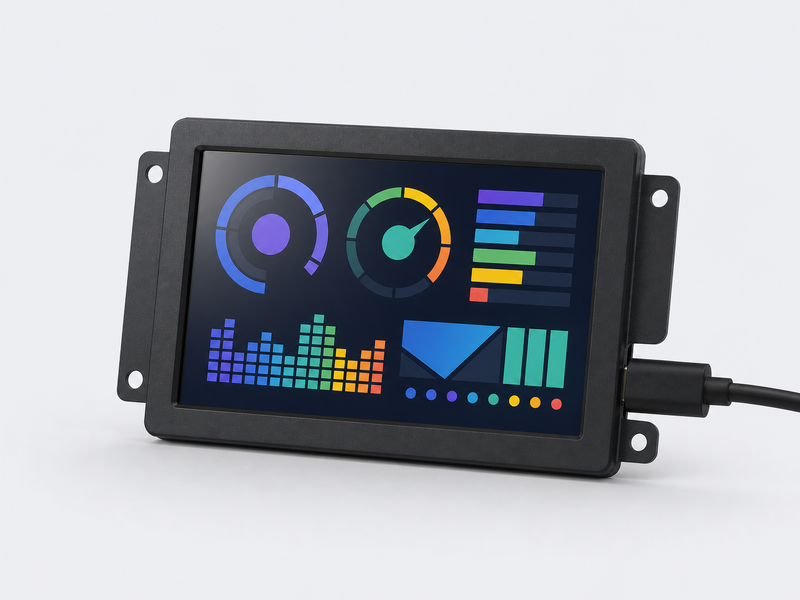
| 显示尺寸 | 5.0 英寸 |
| 分辨率 | 800 × 480 |
| 显示接口 | 24 位 RGB |
| 触控方式 | 可选电容触控 |
| 供电 | 3.3V 逻辑 / 5V 背光 |
| 外形尺寸 | 约 121 × 76 mm(演示) |
硬件说明
逻辑电源、背光电源和信号地应按硬件设计要求连接。长排线场景需关注阻抗和时钟边沿。
使用说明
- 断电后插入并锁紧显示排线。
- 设置像素格式、时序和背光 PWM。
- 输出彩条测试信号。
- 再集成图形库和触控输入。
常见问题
- 颜色顺序颠倒怎么办?
- 调整 RGB/BGR 格式或控制器的通道映射。
- 画面间歇闪烁怎么办?
- 检查电源余量、排线接触和像素时钟质量。
资源下载