
olighker:产品目录管理
More actions
产品目录管理
本页是管理员维护首页分类、模块、产品卡片、产品内容和 Citizen 全站主菜单的统一入口。页面和历史都保存在 Wiki 数据库;删除引用只会下线内容,不会级联删除页面。
创建或打开产品
产品页面建立后,日常只需点击页面顶部的“编辑产品”。修改“产品标题”会更新显示标题,但网址名称保持不变。
当前首页结构
下方是数据库中当前首页结构的管理预览:
Arduino
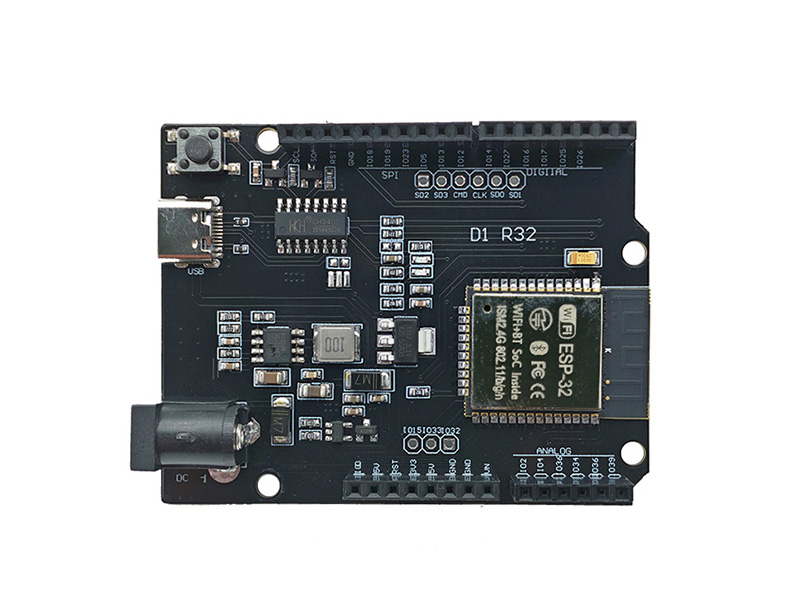
ESP32
Extend Arduino projects with display, sensor, communication, and general-purpose expansion boards.
ESP8266
Start with flexible Arduino-compatible controller boards for learning, prototyping, and product development.
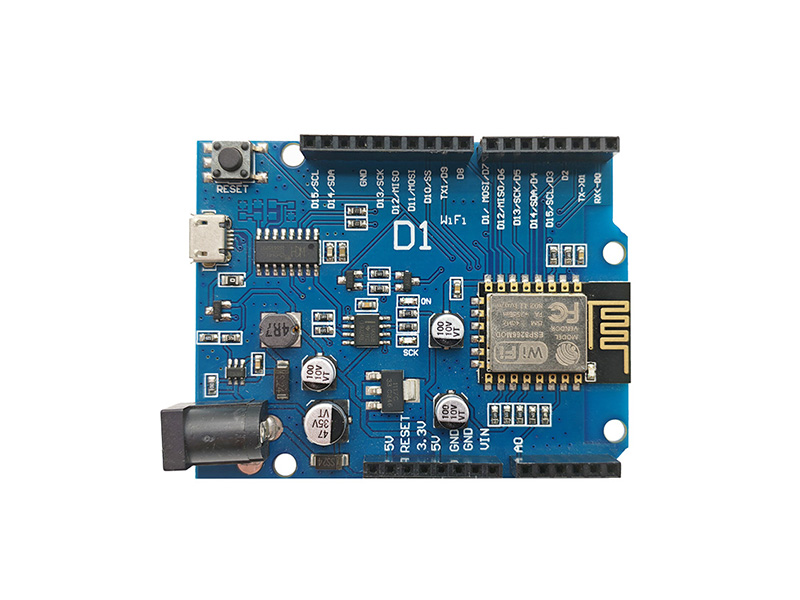
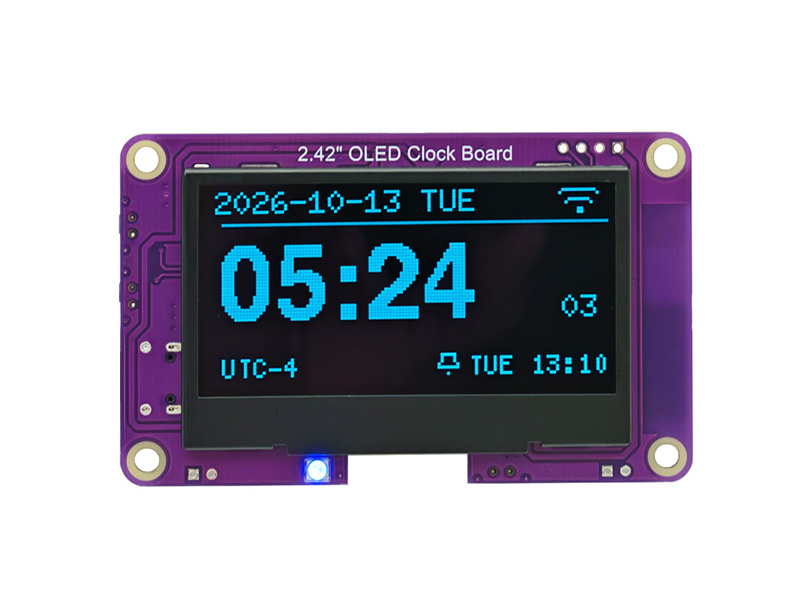
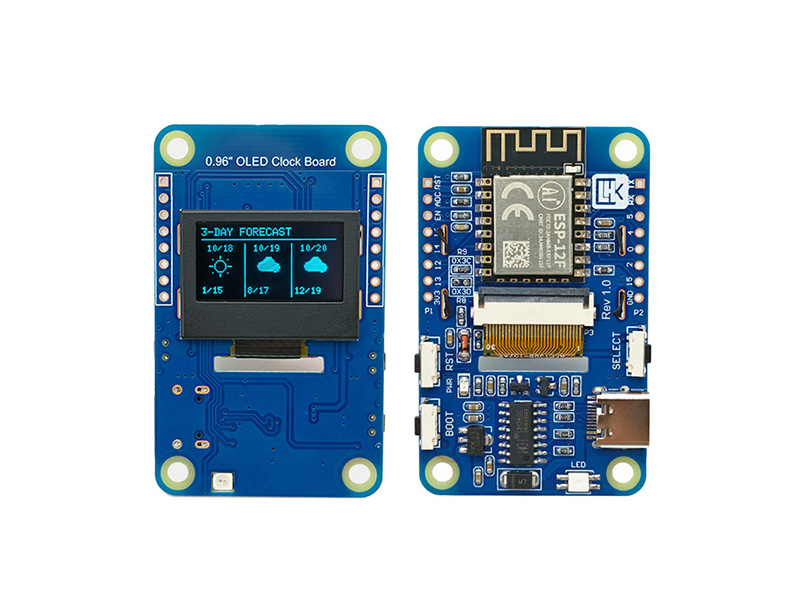
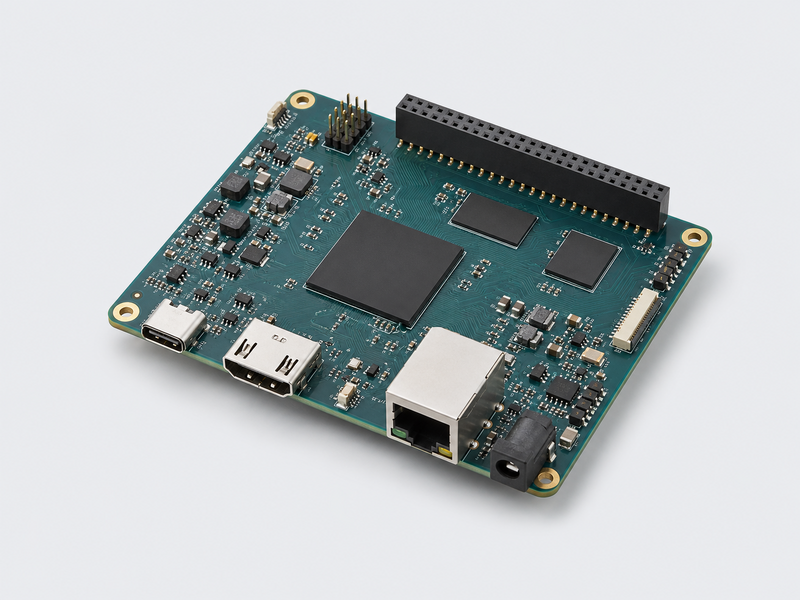
Accessories
Build practical Arduino demonstrations covering automation, monitoring, motion, and interactive displays.
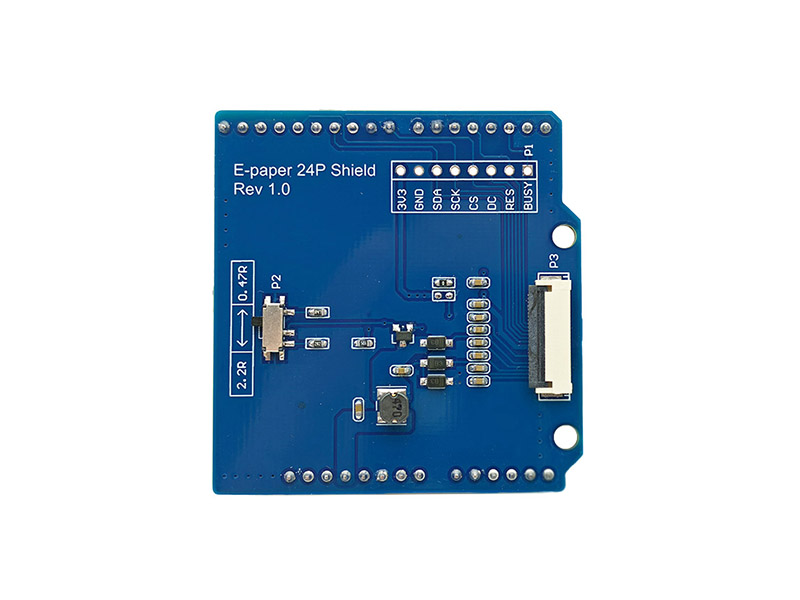
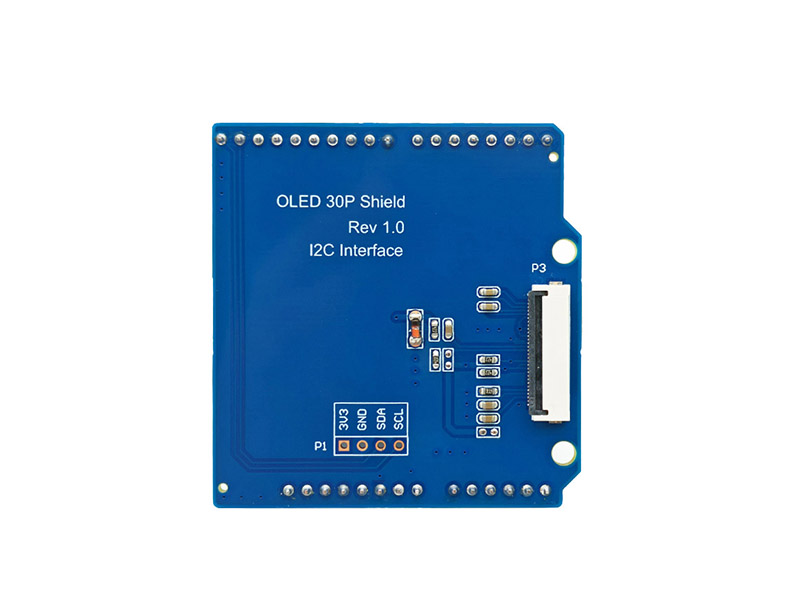
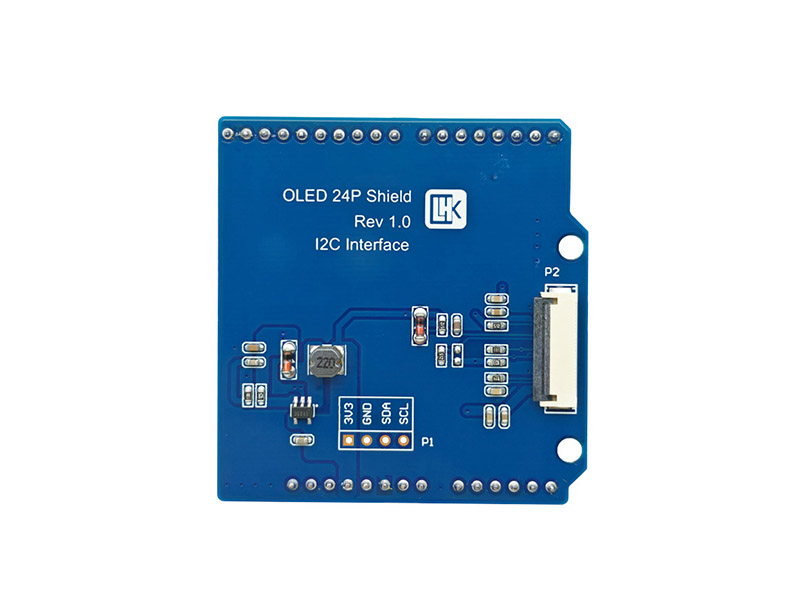
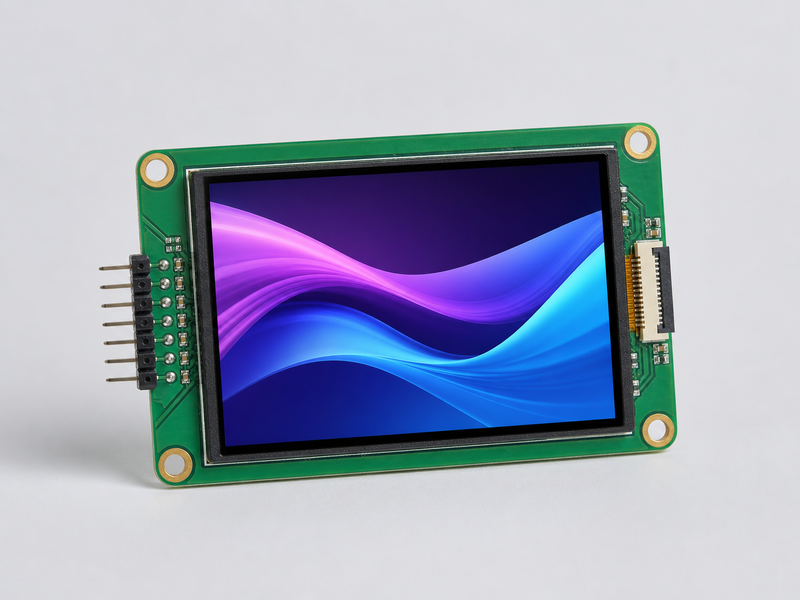
Displays
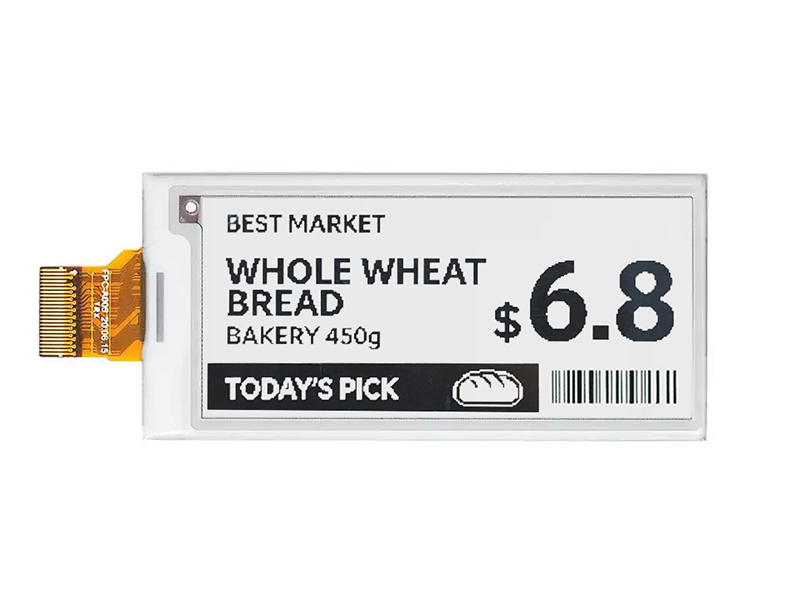
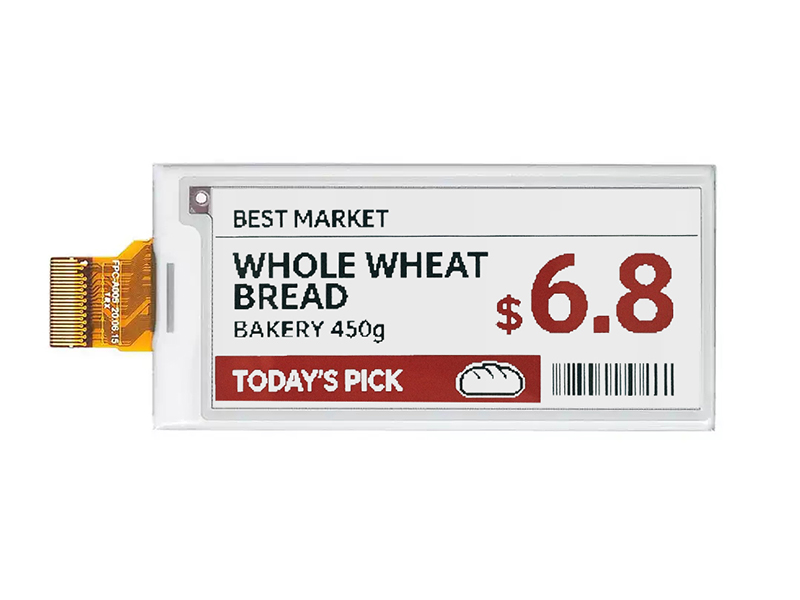
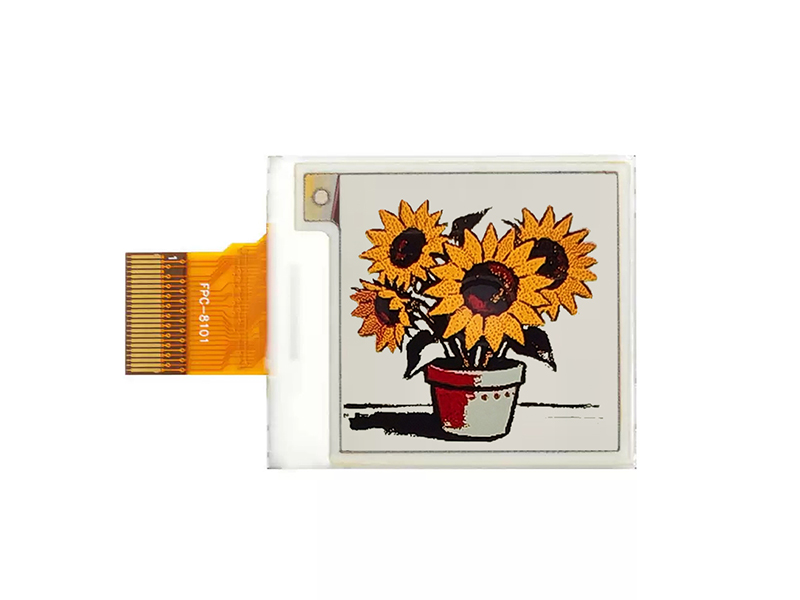
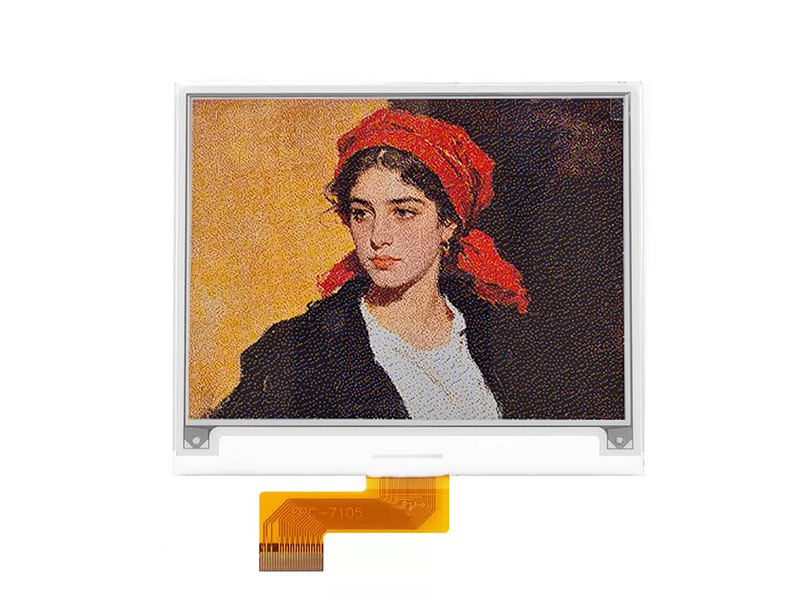
E-Paper
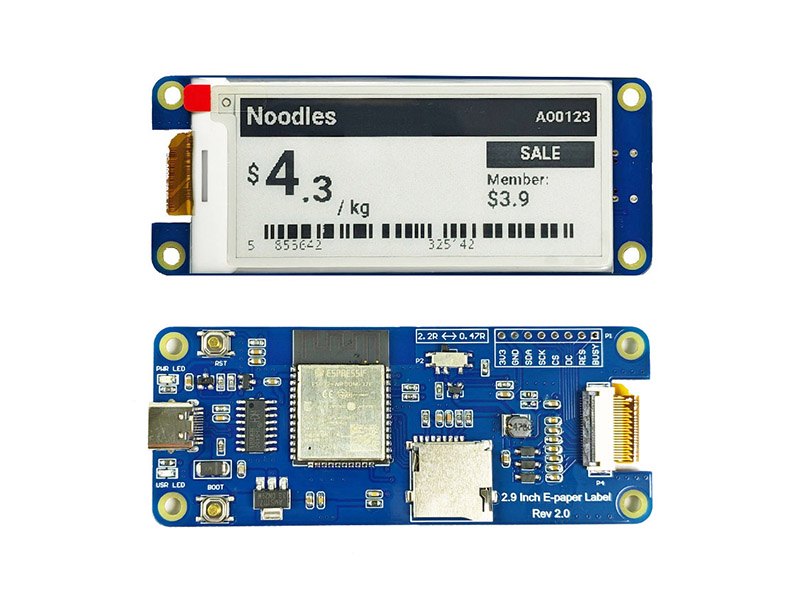
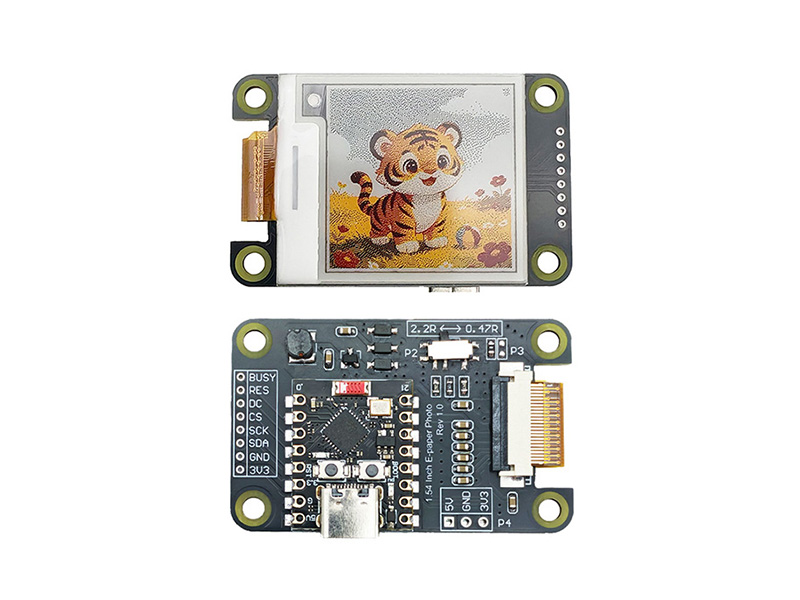
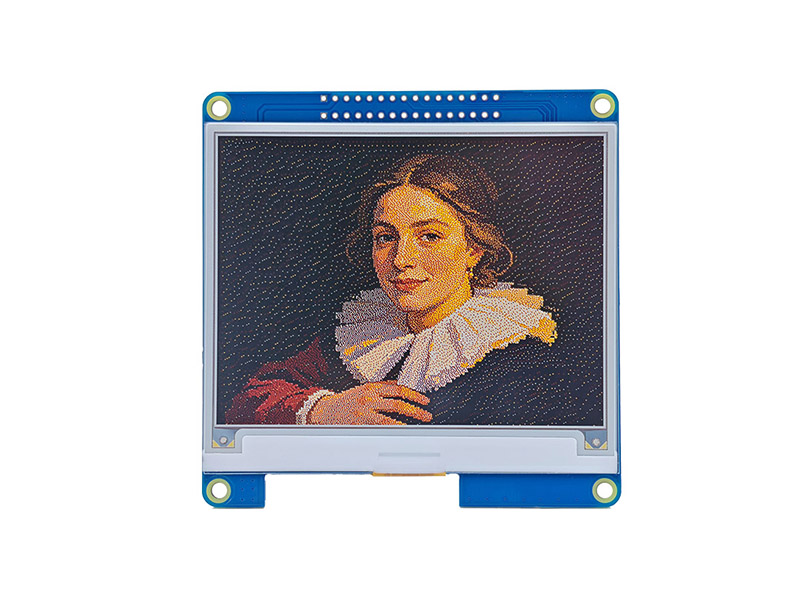
Explore low-power e-paper modules for labels, dashboards, and always-on information displays.
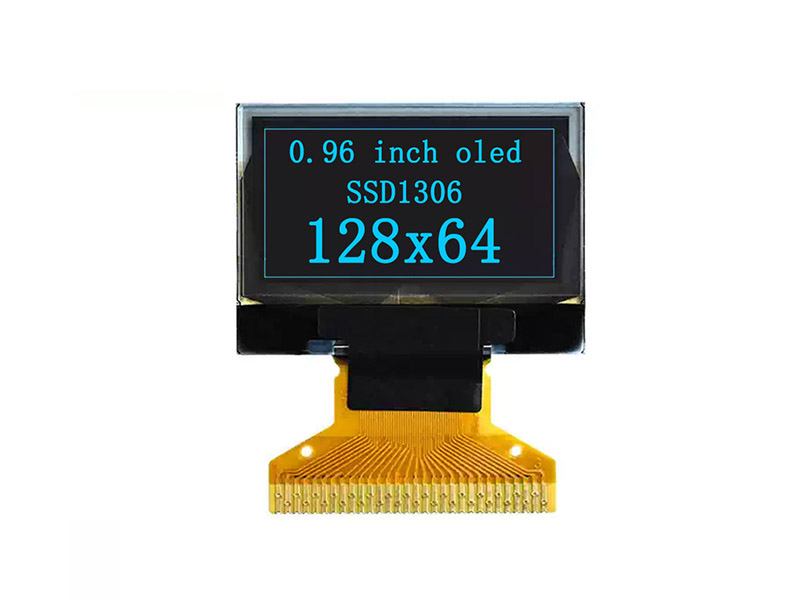
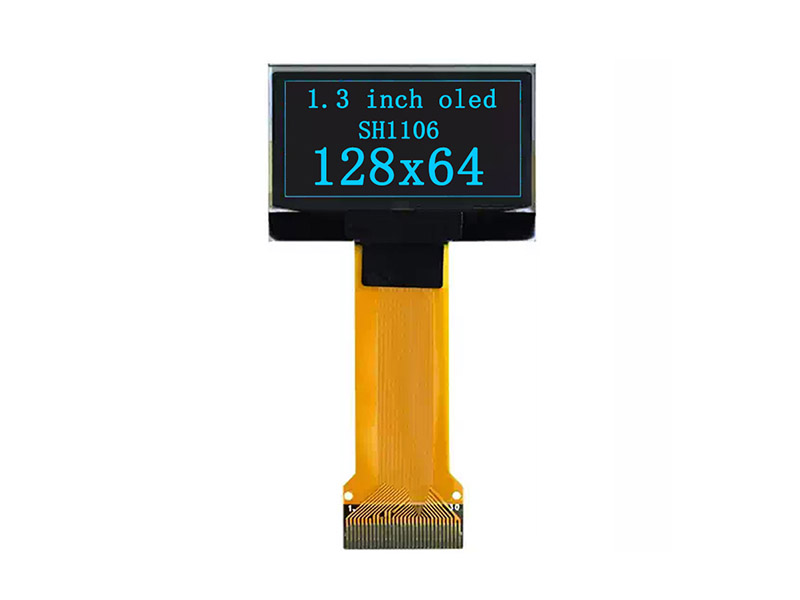
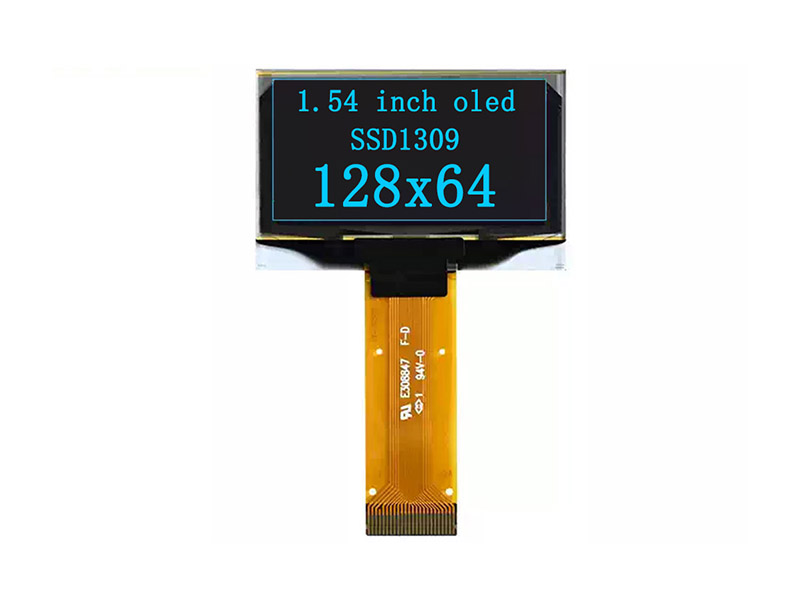
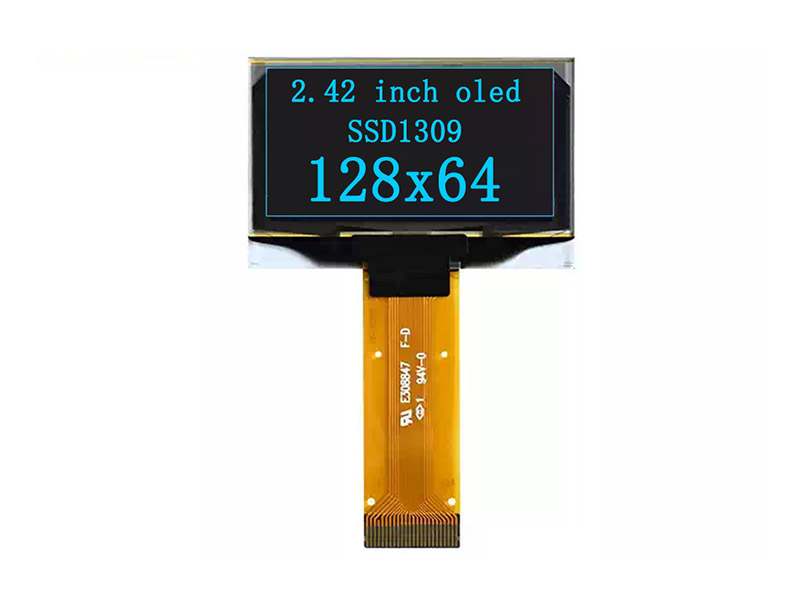
OLED
Browse compact OLED modules designed for clear graphics, status panels, and embedded user interfaces.
LCD
Discover LCD solutions for development boards, control panels, prototypes, and interactive projects.
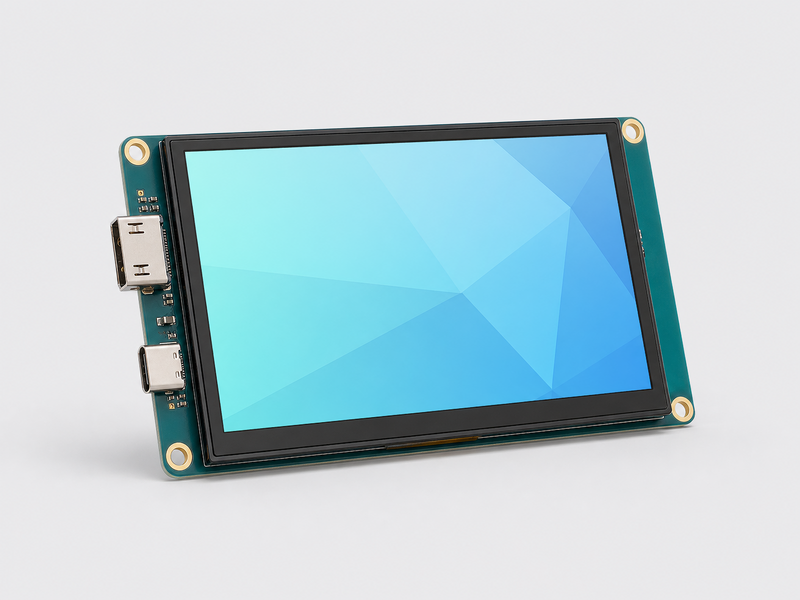
下线与恢复
- 从“首页分类”表单移除分类:只从首页下线分类,分类配置页和下级内容保留。
- 从“首页分类”中的分类表单移除模块:只从该分类下线模块,模块和产品保留。
- 从模块表单移除卡片:只从首页下线卡片,产品页保留。
- 将产品状态改为“草稿”或“已归档”:自动同步卡片不再显示,产品页和历史保留。
- 需要恢复时,重新添加引用或把状态改回“已发布”即可。
彻底删除页面仍应使用 MediaWiki 的删除功能,并只在确认无需恢复时执行。